
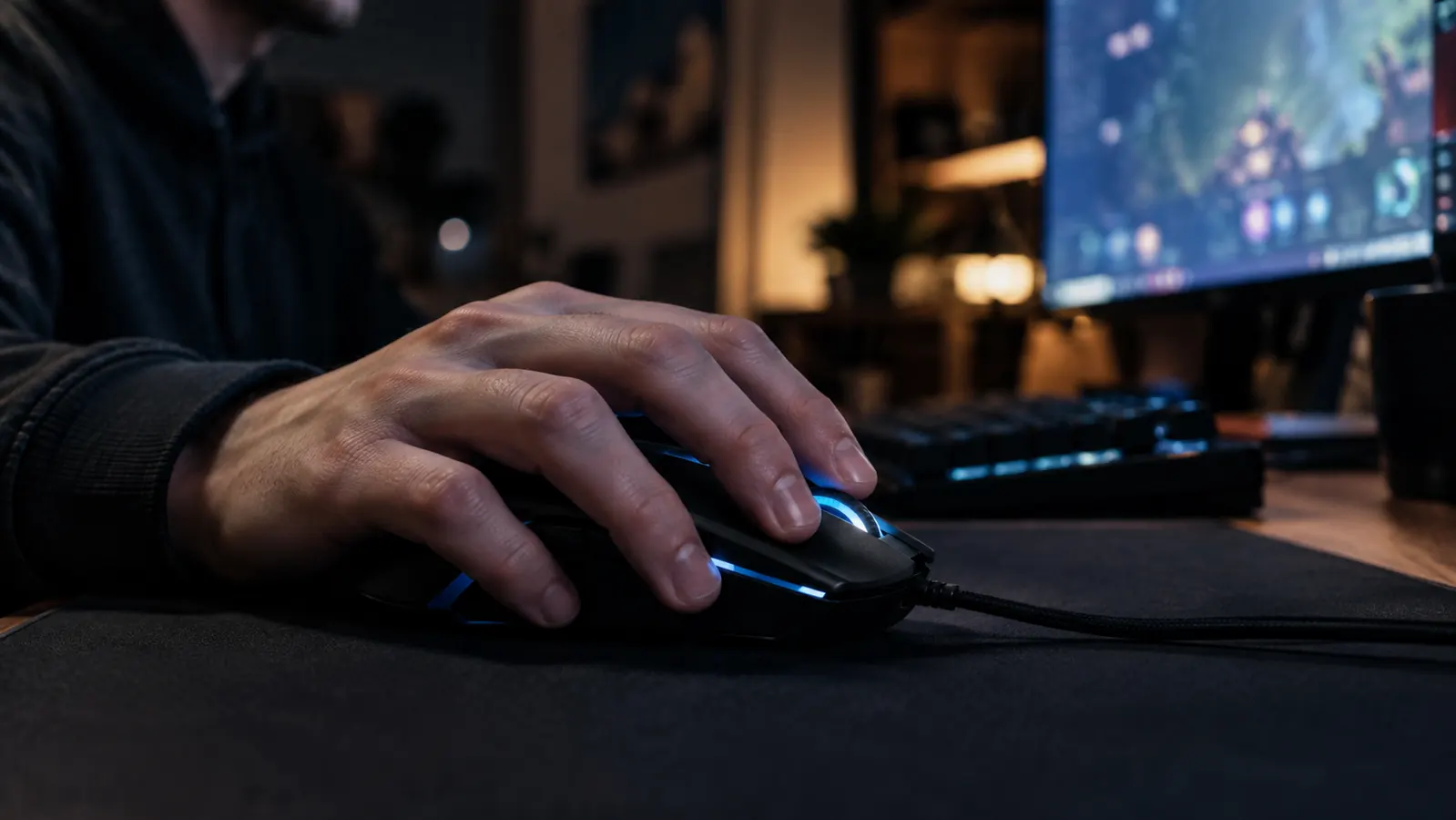
I will be honest about how this review started. I did not buy the Logitech G502 Hero because it was the best mouse I could find. I bought it because my old mouse's scroll wheel gave out on a Friday night, my son Owen and I had a weekend of gaming planned, and I needed something dependable by Saturday morning. The store had one in stock, the reviews looked good, and I did not have time to overthink it.
That was roughly a year ago. The Logitech G502 Hero is still on my desk, which is more than I can say for the two mice it replaced. That should tell you most of what you need to know. The rest of this review is the part the product page skips: the weight, the software, the scroll wheel, and the shape. None of it is a dealbreaker. All of it is worth knowing before you click buy. If you are on the fence, I hope the honest parts save you a return trip.
The Quick Verdict
The best-value wired mouse I have used in twenty years of building PCs, if you can live with the weight and the software.
Amazon Check Today's Price →The mouse that ended my search
A year of daily use, evening gaming, and weekend sessions with my son, and it is still the mouse on my desk. Check today's price on Amazon.
Amazon Check Today's Price on Amazon →How I've Used It
For context, I work in IT support, so this mouse gets eight hours of spreadsheets, remote desktop sessions, and ticket systems before it gets any gaming. In the evenings I play shooters, and on weekends Owen and I take turns on the same rig. That means the mouse needs to be comfortable for long work days, precise enough for aim-heavy games, and tough enough to survive a teenager who does not treat hardware gently.
The G502 Hero has done all three. The only maintenance I have done is wiping dust off the cable. The switches still feel crisp, the scroll wheel still clicks cleanly, and the sensor has never once spun out or skipped. I am not a competitive player, so I cannot quote you benchmark numbers. I can tell you that in the games where it matters, I stopped thinking about the mouse about a week in. That is the highest compliment I can give any peripheral.
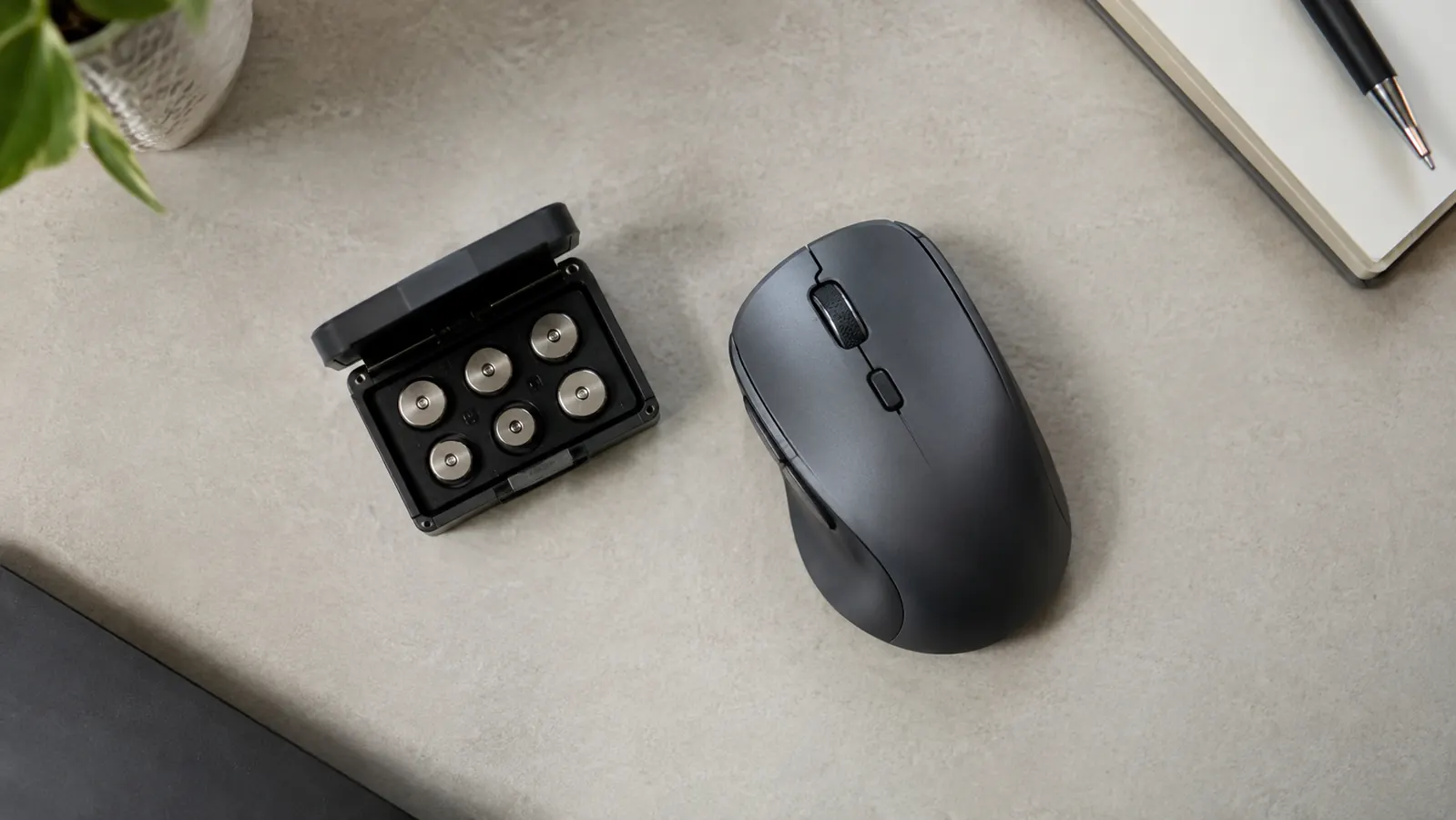
I also spent time with the tuning weights in the compartment on the bottom. The mouse ships with several small weights so you can adjust the feel. I tried it with everything in, then everything out, then settled somewhere in the middle. As for the cable, I routed it under the desk with a clip and have not thought about it since. That is the entire cost of being wired, and for a home office where cable mess shows up in every video call, it is a small price.
The Weight: The Thing Everyone Argues About
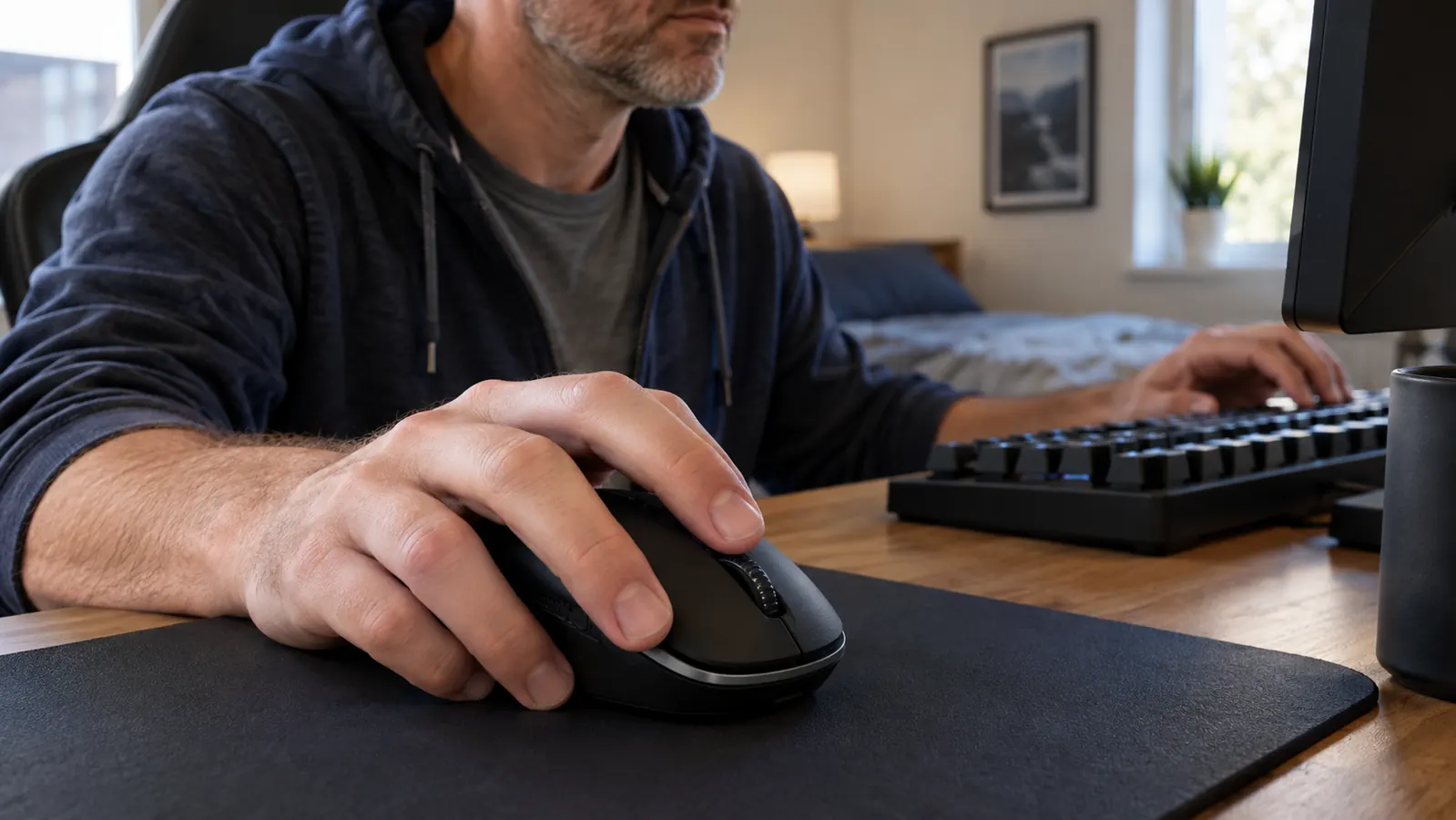
Here is the number nobody mentions in the reviews that just rave about the sensor: the G502 Hero is heavy by modern standards. It comes in around 121 grams, roughly 30 to 40 grams more than the ultralight mice you see in esports. If you play at a low sensitivity and lift the mouse to reposition, you will feel that difference in the first hour. If you play at a normal sensitivity and keep the mouse on the pad, you may never notice it at all. Either way, it is the number to know before you buy.
For my setup, the weight is actually a feature. I use a cloth pad, my sensitivity is on the higher side, and I like a mouse that stays put when I take my hand off it. The G502 Hero does not skate around the desk. It sits there. When I am working, that stability beats a featherweight mouse that I have to chase.
But I will not pretend it is light. If you are coming from a lightweight mouse, the adjustment period is real. Give it a week before you decide, and use the tuning weights. Taking all of them out changes the feel noticeably, and that is the version I would hand to anyone worried about the weight.
On long evenings the weight has not bothered me, and I think the shape matters more than the grams. A mouse that fits your hand well feels lighter than a featherweight that does not. That is worth remembering when you compare spec sheets.
The Software Is the Real Weak Point
If you have been reading reviews, you know the hardware is the star. The thing most reviews understate is the software. The G502 Hero uses Logitech G HUB, and G HUB is the most frustrating part of the package. It works, most of the time. But it is heavier than it needs to be, it likes to update at inconvenient moments, and every so often it forgets a profile. None of that makes the hardware worse. It just means you should budget one evening to set things up.
The saving grace is onboard memory. You can set your DPI, button assignments, and lighting, save them to the mouse itself, and then close G HUB entirely. I do exactly that. I set it up once, saved it to the onboard memory, and I only open the software when I want to change something. If you do the same, the software stops being a problem.
One honest note: a profile disappeared during a firmware update once. It took about ten minutes to rebuild, and it has not happened since. Annoying, but not a reason to avoid the mouse. It is, however, the first thing I tell people when they ask whether they should buy one.
The lighting is another reason I open G HUB less than you might expect. You can set a color, or turn the lighting off entirely, and the mouse remembers it. I keep mine on a steady color to match the rest of the build, and I have not touched the setting since.
The Scroll Wheel Nobody Mentions
The scroll wheel is the feature I did not expect to love. There is a mode switch button right behind the wheel. In one mode the wheel scrolls with a firm, clicky step, which is great for gaming and for precise scrolling. In the other mode the wheel free-spins, and it will keep spinning for several seconds after you flick it. It is the reason I did not switch to a lighter mouse, honestly.
That free-spin mode sounds like a gimmick until you have to scroll through a long spreadsheet or a long page of code. One flick and you are at the bottom. I use it more than I use half the programmable buttons. It is also the thing Owen shows his friends, which tells you how often a teenager is impressed by a scroll wheel.
The only downside is noise. The clicky mode is loud. If you share an office or game while someone is sleeping, the wheel will get noticed. It is a tactile, clicky feel, and that is exactly what some people want and exactly what others will find annoying.
One more thing about the wheel: the middle click is firm, which I appreciate in work apps that use it for auto-scroll. Some mice have a mushy middle click that you have to press twice. This one registers the first time, every time.
A year in, I stopped thinking about the mouse. That is the highest compliment I can give any peripheral.
The Shape Picks Your Hand For You
This is the part that is hard to judge from photos. The G502 Hero is a right-handed mouse with a pronounced thumb rest on the left side. If you are left-handed, stop here, this is not the mouse for you. Look at an ambidextrous option instead. Even for right-handers, the thumb rest is divisive. Some people find it comfortable immediately. Others find their thumb does not sit where the rest expects it to, and it becomes a source of irritation rather than support.
I fall into the first camp. My hand is on the larger side, and the thumb rest works for me. But I have handed this mouse to friends with smaller hands, and the reaction is mixed. The mouse is also on the longer side, so if you have small hands, you may find the forward buttons hard to reach without shifting your grip.
The G502 Hero is not a mouse that adapts to you. It was designed for a specific hand shape, and if that shape matches yours, it is excellent. If it does not, no amount of sensor quality will fix the fit. If you can, get your hand on one before you commit.
The two extra buttons beside the left click are the ones that take the longest to get used to. I mapped mine to things I use in shooters, but reaching them means lifting my thumb slightly. If you want every button to be instantly reachable, the two near the top are the ones you will actually use.
The Sensor Is Better Than the Spec Sheet
The headline number on the box is 25,600 DPI. I will tell you plainly: nobody plays at 25,600 DPI. I ran my old mouse at 800, and I run this one at 800 too. The DPI number is a spec-sheet number, and you should ignore it. If you are buying this mouse for the 25,600 DPI number, you are buying it for the wrong reason.
What actually matters is that the sensor is accurate at the settings people really use. No acceleration, no jitter, no spin-outs. I have used it on a cloth pad, a hard pad, and once on a bare desk when I forgot my pad at work, and it tracked fine on all three. That consistency is worth more than any maximum DPI figure.
The sensor is also efficient, which sounds odd for a wired mouse, but the G502 Hero has RGB lighting, and the sensor is one reason the mouse runs cool and the lighting stays stable. It is a small thing, but when your desk doubles as a home office, you notice when hardware hums or gets warm. This one does neither.
As for performance over time, the sensor has not degraded in a year. I know that sounds like a strange thing to check, but cheaper mice develop tracking hiccups after a few months. The G502 Hero still feels exactly as it did on day one, which is the quietest compliment I can give it.
What I Liked
- Excellent sensor, accurate at the DPI settings people actually use
- Free-spin scroll wheel that is genuinely useful for work
- Eleven programmable buttons with onboard memory
- Solid build that survived a year of daily use and weekend gaming
- Tuning weights let you adjust the feel instead of accepting the default
Where It Falls Short
- Heavy compared to modern ultralight mice, around 121 grams
- Right-handed shape with a thumb rest that is not for everyone
- G HUB software is the weakest part of the package
- Clicky scroll wheel mode is loud
- The 25,600 DPI headline is marketing, not a feature you will use
Who This Is For
If you are a right-handed gamer with medium to large hands who wants one mouse for work and play, the Logitech G502 Hero is an easy recommendation. It is also a great first gaming mouse, because it does not assume you already own a collection of peripherals. The buttons are programmable, the onboard memory means you can set it and forget it, and the build quality means it will survive the learning curve.
It is also for people who scroll a lot. If you work in spreadsheets, read long documents, or browse code all day, the free-spin wheel alone is worth the price of admission. I did not expect to say that, and I mean it.
I would also put the G502 Hero in front of anyone moving from a basic office mouse to their first real gaming mouse. The learning curve is gentle, the buttons give you room to grow, and you will not outgrow the sensor for years. That is the definition of value in my book.
One caveat on value: this mouse has been out for a while, and that is exactly why I recommend it. A product that survives years on the market with tens of thousands of reviews is a product with the rough edges sanded off. Newer mice get the attention, but this one keeps selling for a reason.
Who Should Skip It
Skip it if you are left-handed. Skip it if you prefer lightweight mice and play competitive shooters at low sensitivity, where every gram matters over a long session. And skip it if you have smaller hands, because the shape is long and the forward buttons will be a stretch.
Also skip it if you want a mouse that works perfectly out of the box with no software install. The hardware is ready to go, but to get the most out of the buttons and DPI steps, you will install G HUB once, configure it, and save to onboard memory. That is a one-time task, but it is a task.
And if you already own a lightweight mouse that fits your hand and you are only thinking about switching because of the sensor, my honest advice is to keep what you have. The sensor in this mouse is excellent, but a mouse you already love does not need replacing. Buy this one when your current mouse gives you a reason.
The last group I would point away from this mouse: anyone who travels with their setup. It is not that the cable is fragile, it is that a wired mouse adds one more thing to pack and one more thing to route around a hotel desk. If you are mostly at one desk, none of that matters.
Still deciding? I get it.
The Logitech G502 Hero is not perfect, but it earned its place on my desk. Check today's price on Amazon and see if it earns a place on yours.
Amazon Check Today's Price on Amazon →