
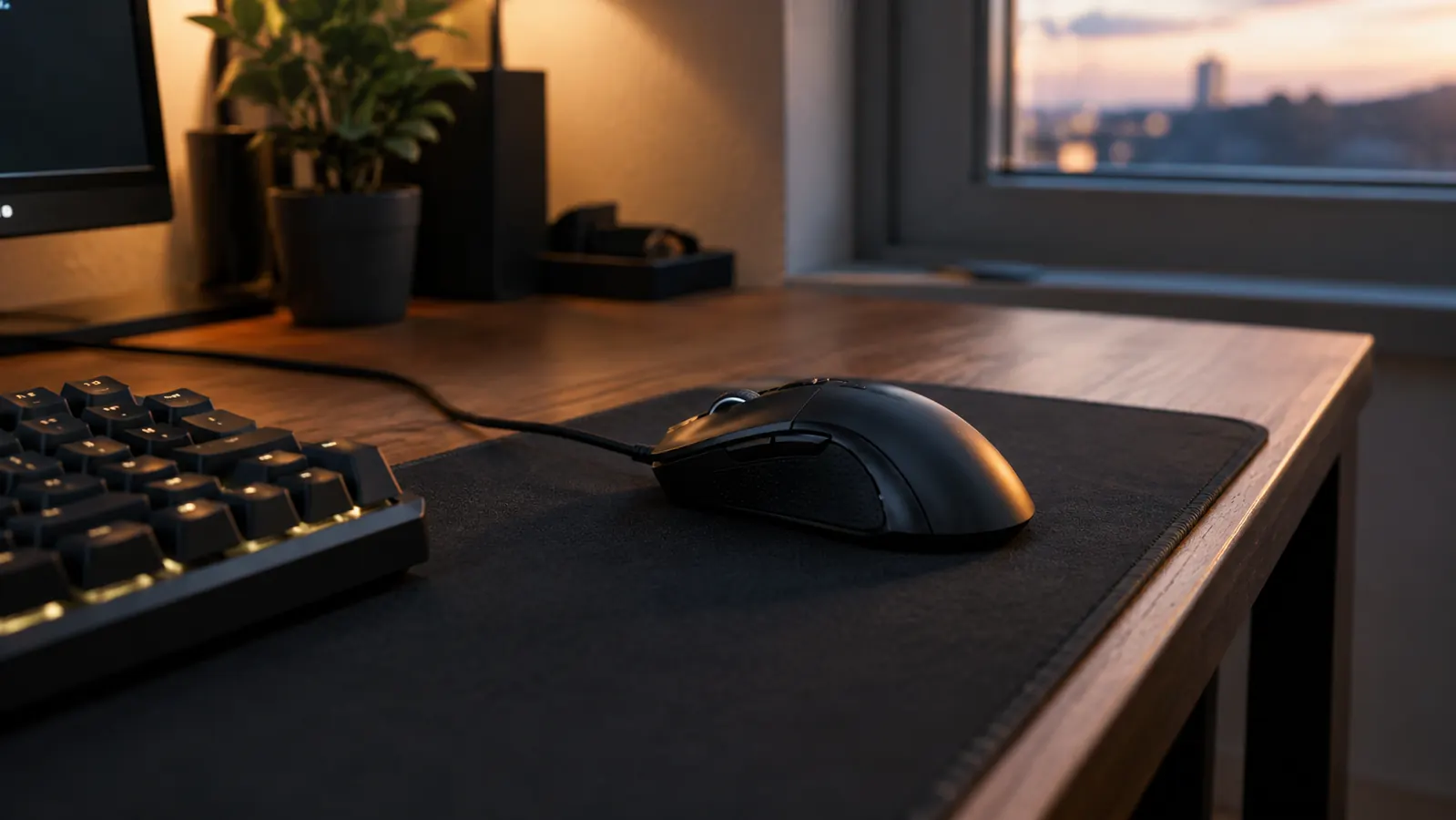
Every few months, someone in my gaming group asks whether they should finally go wireless. They see the pros on stream, they hear about battery life, and they are tired of the cable snaking across the desk. I get it. But after building and upgrading gaming PCs for about twenty years, and after countless evenings at a corner desk that doubles as my home office, I keep coming back to the same answer: a wired mouse like the Logitech G502 Hero still makes sense for most people. Here are ten reasons why.
Why I still plug in: zero latency, zero charging, zero doubt
The Logitech G502 Hero is the wired mouse I recommend when someone asks what to buy first. No battery to babysit, no dongle to lose, and a sensor that has never once made me wonder if it kept up.
Amazon Check Today's Price on Amazon →There is no battery to charge, ever
This is the whole argument in one line. A wired mouse is ready the moment you sit down. No low-battery warning in the middle of a ranked match, no hunting for a charging cable at 11pm, no remembering to dock it when you stand up. My Logitech G502 Hero has sat on the same desk for months, and the only thing it needs is a clean mousepad. I keep a spare pad in the drawer and swap it out every couple of weeks, because a dirty pad changes the glide more than any wireless setting ever will.
Latency is a non-issue, and it stays that way
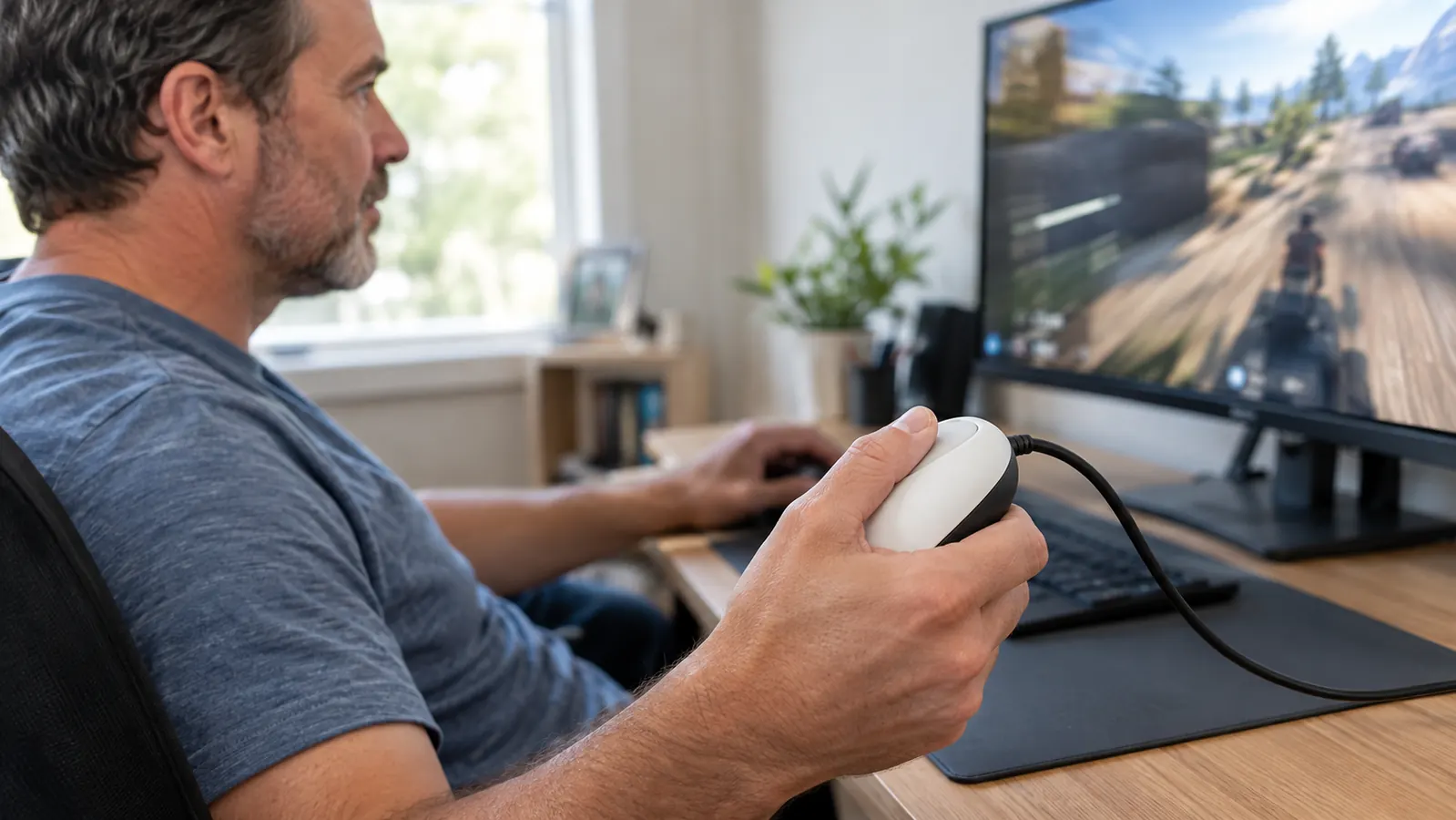
Wireless has gotten genuinely good, I will give it that. But good depends on battery level, interference, and which receiver you are using. A wired mouse sidesteps all of it. The click registers the instant you press it, and it does that the same way on day one as it does on day 400. For games where a single frame decides the fight, that consistency is worth more than a clean desk. I noticed it most on a Friday night in March when my son Owen and I were grinding ranked matches, and every flick shot landed exactly where I aimed it, no stutter, no second guess.
One less thing to go wrong on LAN night
When I bring my mouse to a friend's house, I do not pack a dongle, a charging cable, or a backup battery. The cable is attached, and it works on any PC with a USB port. That sounds small until you watch someone scramble for a receiver they left at home. Last fall, a buddy showed up to our monthly LAN with a wireless mouse and no receiver, and he spent the first hour borrowing a spare from someone else. I just plugged in and joined the lobby.
The weight stays exactly where you set it
The Logitech G502 Hero has adjustable weights, and here is the quiet benefit: they never drift. A wireless mouse loses weight as the battery drains, which changes the feel mid-session. My mouse weighs the same at 9pm as it did at 6pm. That consistency matters more than most people expect. I run mine with the tray mostly empty, about 121 grams, and I have not touched the tuning since the day I set it up.
You never pay the wireless tax
A wireless version of a good mouse usually costs more than the wired version for the same sensor and switches. The wired model skips the battery, the receiver, and the engineering that makes them work together. You are paying for the part that actually matters: the sensor in your hand. When I built my son's first setup, I priced out both and the wired route left enough room in the budget for a better mousepad and a game he actually wanted.
The cable is a reliability report
A wired mouse tells you its health instantly. If the cursor stutters, it is the port, the pad, or the sensor. With wireless, the stutter could be interference, a dying battery, a driver hiccup, or a receiver that drifted out of line of sight. Fewer variables means faster fixes. The one time my cursor ever jumped, I swapped USB ports and it was solved in under a minute. With a wireless mouse, I would have spent the evening guessing.
It never dies mid-session, and never loses its pairing
My son Owen plays on my rig on weekends, and the last thing either of us wants is a mouse that forgets its receiver or shuts down at 15% battery. The Logitech G502 Hero has no pairing to forget. Plug it in, and it is just there. For a household with two people sharing one PC, that is a real advantage. Saturday morning, Owen can sit down and be in a match before I finish my coffee, no setup ritual, no checking the battery icon.
Cable management is easier than you think
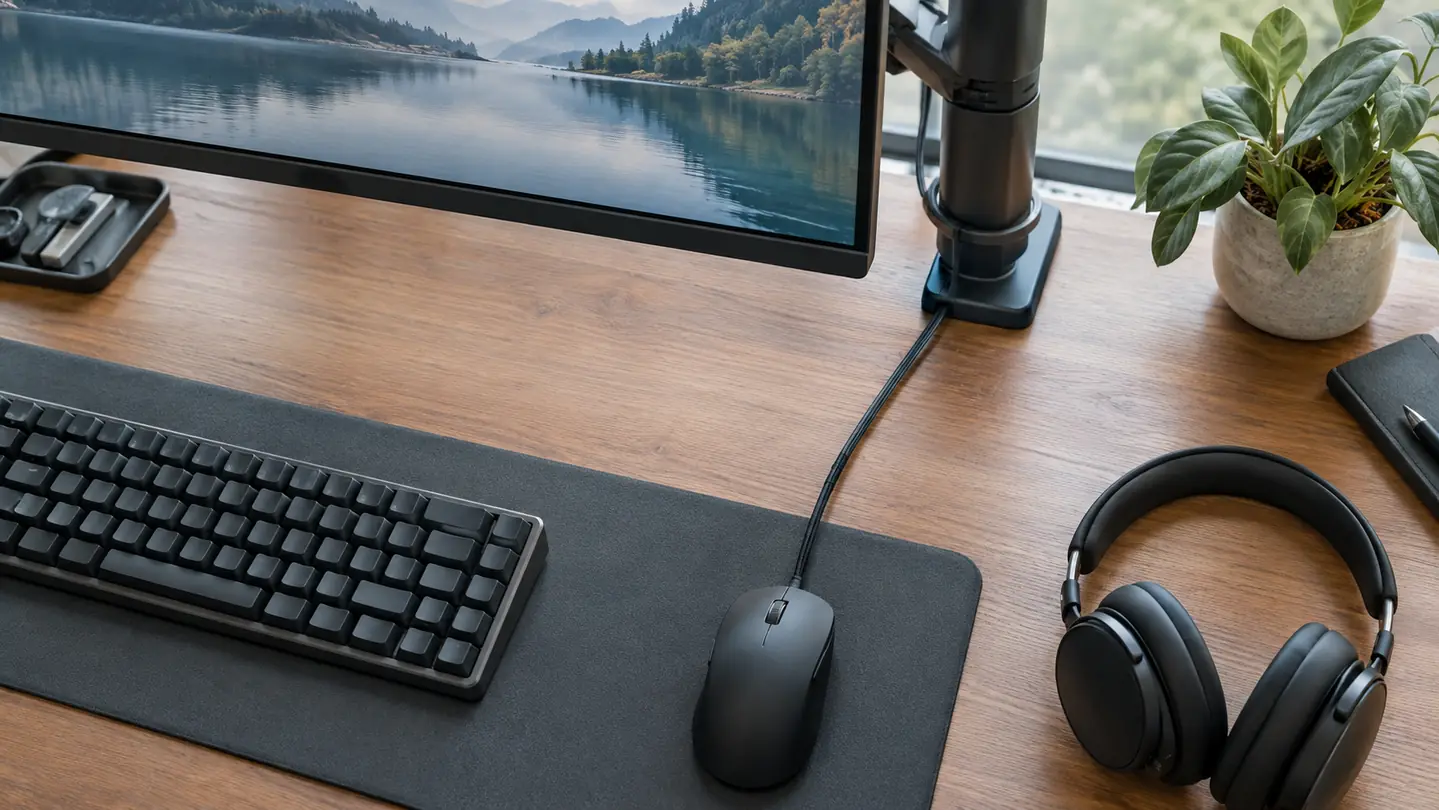
People imagine a tangled mess, but one mouse cable is trivial to route. I run mine under the monitor arm and it disappears. Meanwhile, the desk is already holding a keyboard cable, a headset, and a phone charger. One more thin cord is nothing. The tidy desk argument for wireless is weaker than it looks. I spent an afternoon with a pack of adhesive clips and a short extension cable, and now the only thing you see is a few inches of braided cord near the mouse itself.
The sensor in the G502 Hero is still excellent
The HERO 25K sensor tracks on almost any surface, stays accurate during fast flicks, and never spins out mid-flick. I have used it on a plain desk mat, on a wooden desk, and on a notebook in a pinch. It just works. Wireless does not add sensor quality. It adds a battery you have to manage. On a long weekend session, I can drop the DPI on the fly with the button near the thumb and switch from a sniper scope to a wide turn without ever opening a menu.
A wired mouse is easier to hand to a beginner
When someone asks me to set up their first gaming PC, I hand them a wired mouse every time. There is nothing to charge, nothing to pair, nothing to explain. It is the same reason I recommend a wired connection for their first few months: it removes variables while they learn the rest of the setup. My neighbor's kid got his first rig in January, and I set him up with a wired mouse so he could focus on learning the games instead of troubleshooting gear.
What I'd Skip
If you already own a wireless mouse you love, and it lasts a full session without anxiety, you do not need to switch. Wireless tech has improved a lot, and the difference in practice is small for most players. I would also skip the wired route if you play from a couch or a living room TV, where a cable is a genuine hassle. This list is for people who are buying their first gaming mouse, or who are tired of charging and pairing and wondering.
A wired mouse is ready the moment you sit down. No low-battery warning, no lost dongle, no pairing menu. Just a click that registers.
Start with the wired one, upgrade later if you ever need to
The Logitech G502 Hero gives you a great sensor, a comfortable shape, and zero maintenance. If you eventually want wireless, that is a later decision. This one gets you playing today.
Amazon Check Today's Price on Amazon →