
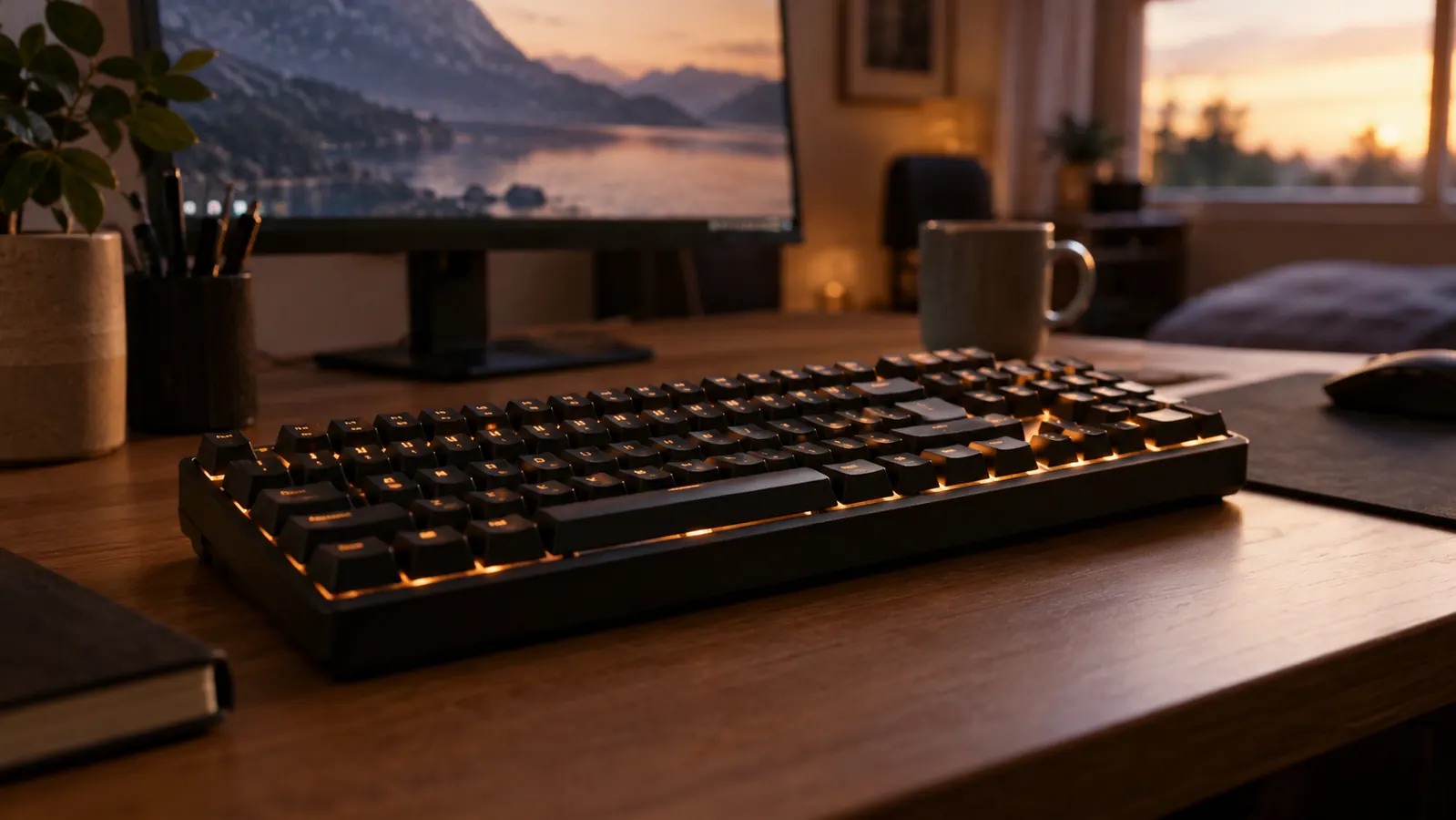
I have had the Logitech G413 SE on my desk for about six months now, which is long enough for the honeymoon to wear off. It sits between my monitor and my mouse pad on the corner desk in the spare bedroom that doubles as my home office, and it gets used for work tickets during the day and games with my son Owen on the weekends. I bought it because I wanted a full-size mechanical keyboard without paying for features I would never use, and that is exactly what this is. It is also a few other things the marketing does not mention, so here is the honest version.
To be clear up front: I like this keyboard. It has earned its spot on my desk and I am not planning to replace it. But good for the money and good are different sentences, and most reviews you will read only write the first one. The stock keycaps are the weak link, the switches are noisier than the word "brown" implies, and the SE name hides a few cuts you should know about before you click buy. None of them are deal-breakers for me. Some of them might be for you.
The Quick Verdict
A sturdy, no-nonsense full-size mechanical with a great frame and a so-so set of keycaps. The cuts the SE name hides are worth knowing before you buy.
Amazon Check Today's Price →The honest bottom line: this is a fundamentals-first full-size mechanical
The Logitech G413 SE is a sturdy, no-software full-size board with tactile switches that suit typing and gaming, as long as you are okay with the noise and the stock keycaps. I have used mine daily for six months and I would buy it again.
Amazon Check Today's Price on Amazon →How I've Used It
For the past six months this has been my only keyboard, which is the honest way to test one. It handles eight or nine hours of IT work a day, a lot of it typing ticket notes, replying to emails, and the occasional remote session where I am basically living in a terminal. Evenings it becomes a gaming keyboard, and on Saturdays Owen and I trade the chair for longer sessions. This is not a keyboard I used for a week and wrote about. It is a keyboard I have lived with.
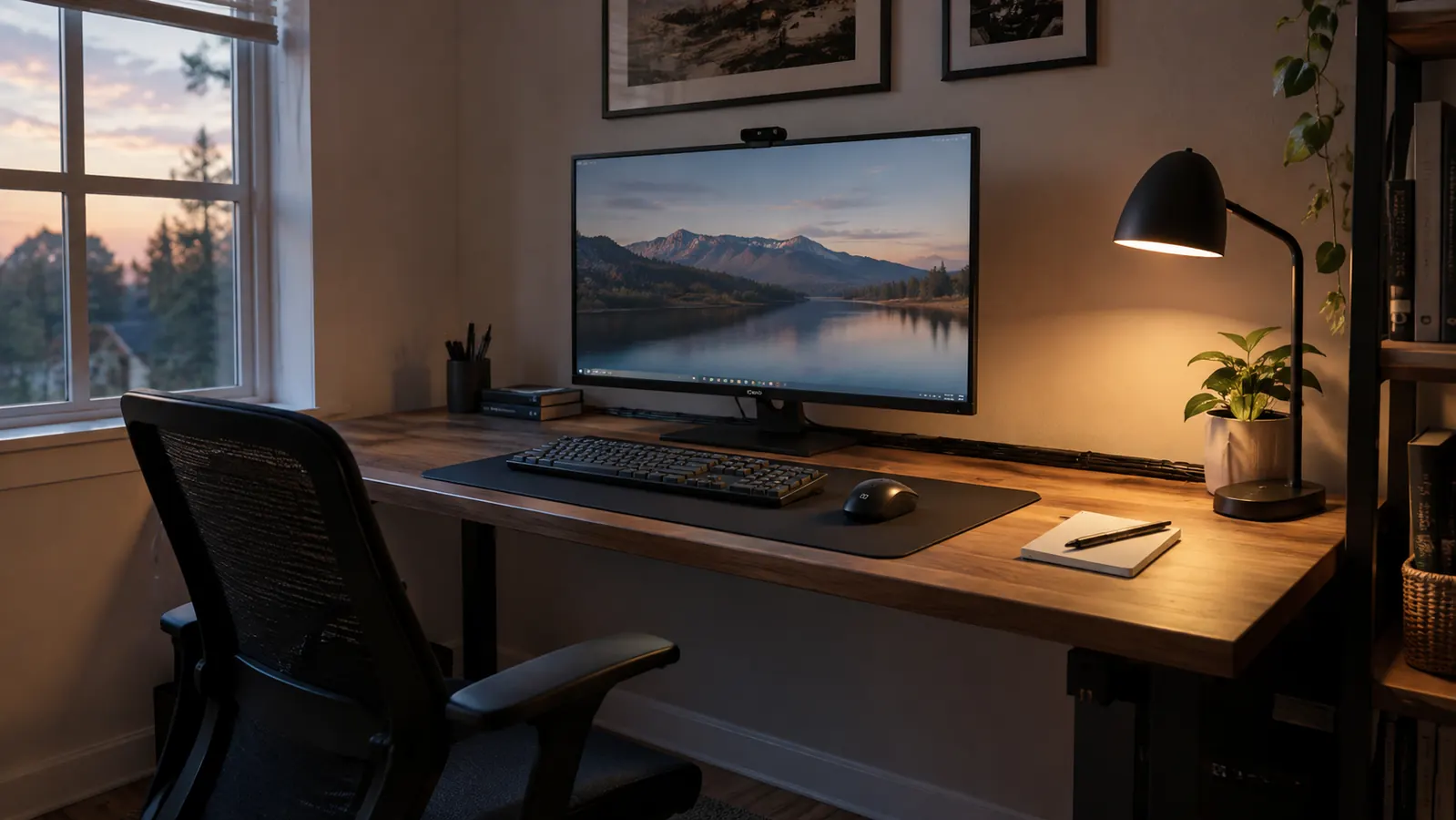
My setup matters here, so a quick tour. The desk is a corner unit in a spare bedroom, and the PC is a mid-tower I built myself a few years ago. I upgrade it one part at a time rather than replacing it, and the keyboard slot opened up when the old membrane board started double-typing. The G413 SE is plugged into a rear USB port, the cable runs along the back edge of the desk, and there is no software installed for it. I mention the lack of software because it is one of the reasons I picked this board.
I did not keep a lab notebook. I kept track of the things that matter in daily use: how the switches feel at the end of a long day, whether the board walks around during a tense match, how loud it is when my wife is on a call in the next room, and whether the backlight is useful or just decorative. Those are the details that decide whether a keyboard stays or goes.
The other thing I paid attention to was consistency. Some budget keyboards feel different on the left side of the board than the right, or the switches under the WASD cluster wear out faster because that is where your fingers live. This one has stayed even. Every key feels the same as it did on day one, which is the quiet sign of a decent manufacturing line.
What the SE Name Actually Means
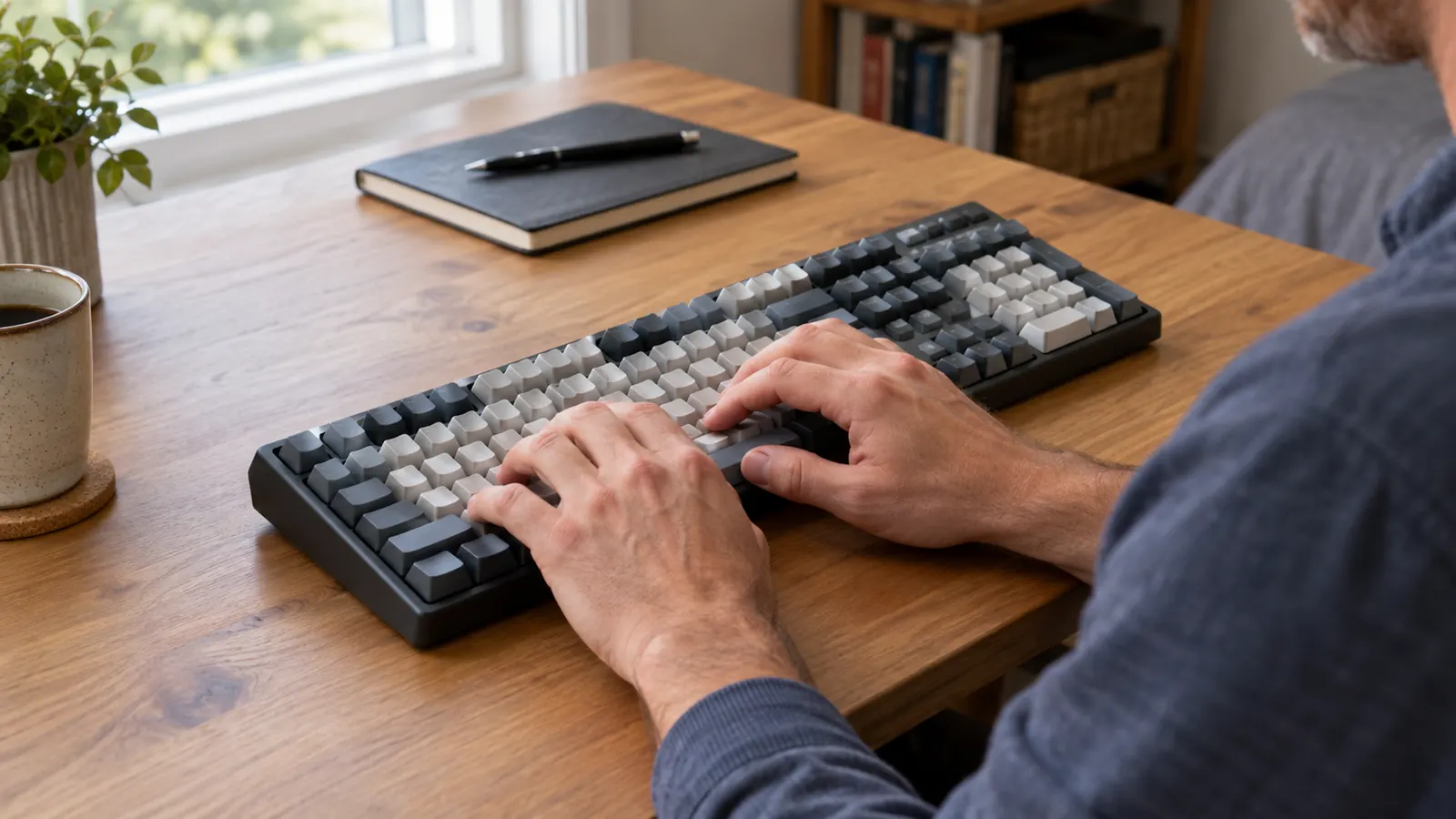
The SE is the value version of the G413 line, and the cuts are not hidden, they are just not advertised. The older G413 had a USB passthrough so you could plug a mouse receiver into the board. The SE does not. That matters more than you would think on a desk with limited reach, and it was the first thing I noticed because my mouse receiver had to move to the back of the PC.
The other cuts show up when you open the box. There is no wrist rest, which is common at this level, and the cable is fixed rather than detachable, so if you like to swap cables or travel with your board, this one stays home. The backlight is a single color with a few brightness levels controlled from the function row, not the per-key RGB you get on Logitech G's pricier boards. For me that is fine. I set the brightness once and stopped thinking about it.
The bigger story is what the SE keeps. You still get the aluminum top plate, the full-size layout with a number pad, and the GX Brown switches. The cuts are all in the extras, not the core, which is exactly what a value version should do. I just wish more reviews led with the cuts instead of treating this like a mystery bargain.
One thing I want to be fair about: none of these cuts ruined the keyboard for me. The missing passthrough just meant rearranging a cable, the fixed cable is a non-issue on a desk that never moves, and the single-color backlight is fine for a room that has a lamp in it. The SE cuts are the kind of cuts you can live with. The reason I list them first is that most reviews never do.
The GX Browns: Subtle Bump, More Noise Than You Expect
The switches are Logitech G's GX Brown, a tactile switch, which in theory means a bump you can feel without the click of a blue switch. In practice the bump is subtle, and if you are coming from a loud clicky keyboard you might wonder where it went. I can feel it when I type slowly, but when I am moving fast it is more of a texture than a thump. That is not a complaint. It is context for what this switch is.
Here is what nobody tells you: brown does not mean quiet. The GX Browns have a soft bottom-out sound, and the aluminum plate passes that sound along instead of absorbing it. In a quiet room the board is clearly audible, not obnoxious, but audible. I have caught myself closing the office door on nights when my wife is already asleep, and that is not something I did with the old membrane board. If you need a genuinely quiet keyboard for a shared space, put this one lower on your list.
The other thing worth knowing is the break-in. Out of the box the GX Browns felt a little scratchy, the way a lot of budget mechanicals do. After a few weeks of daily use they smoothed out noticeably. The board I have now does not feel like the board I unboxed, and that is the normal direction for mechanical switches. If you buy one and the first impression is that these feel rough, give it a couple of weeks before you decide.
Brown does not mean quiet. The aluminum plate passes the sound along, and in a quiet room this board is clearly audible.
The Keycaps: The Weakest Part of the Package
If I have one real complaint, it is the keycaps. The stock set on the G413 SE is functional and nothing more. They are thin, the surface has a slightly rough texture that I do not love, and after six months of daily use the most common keys are starting to develop a shine. That is not a defect, it is just what happens with this grade of ABS plastic. On a keyboard that otherwise feels like it costs more than it does, the keycaps are the part that gives the budget away.
The good news is that the GX switches use the standard cross-shaped stem, which means you can swap the keycaps for a nicer set whenever you feel like it. I have not done it yet, because the stock set works fine and I am not the type to modify a keyboard for its own sake. But it is good to know the option is there, because on a lot of budget boards the switches are the reason you cannot change anything.
The spacebar also has a little rattle out of the box. It is the classic budget keyboard sound, a slight metallic ring when you hit the spacebar off-center, which everyone does. It has not gotten worse in six months, and I mostly do not notice it anymore, but if you are the type of person who cannot unhear a rattle, you have been warned. The fix is simple and there are plenty of guides for it, but you should not have to fix a brand new keyboard. It is a small thing, and it is worth knowing before you buy.
Living With It: Work, Games, and Desk Space
For typing, this is a good board, with one caveat. The full-size layout means I have a number pad for the endless ticket numbers and IP ranges that come with my job, and I would not want to give that up. The tactile bump keeps me from bottoming out as hard as I do on linears, which means my fingers are less tired at the end of a shift. The caveat is the keycaps again. On a board with better keycaps the typing feel would be genuinely great. As it is, it is good, and good is enough for me.
For gaming, the G413 SE has been completely unremarkable in the best way. I have played shooters, strategy games, and a lot of co-op with Owen on weekends, and I have never had a dropped input or a moment where the board got in the way. The switches are light enough for quick taps and heavy enough that I do not accidentally press keys when I rest my fingers. The aluminum plate keeps the whole thing planted. My desk does not shake, the board does not slide, and the only sound during an intense session is me.
The desk space is the part I underestimated. A full-size keyboard is wide, and on a corner desk it pushes your mouse pad into the corner. I use a fairly low sensitivity, so I had to rearrange my setup in the first week. That is not a flaw in the keyboard, it is a fact of the format. If you are coming from a tenkeyless board, measure your desk before you buy. If you are coming from a laptop keyboard, prepare for the width to be a surprise.
The backlight deserves a fair mention. It has a few brightness levels and an off setting, which is all I need, and the FN key combos are easy to remember. It is not the kind of lighting you buy a keyboard for, but it is good enough that I never think about it. That is the whole review of the lighting in one sentence.
What I Liked
- Sturdy aluminum top plate that does not flex or slide
- GX Brown tactile switches suit both typing and gaming
- Standard switch stems mean you can swap keycaps later
- Full-size layout with a number pad, which helps with work
- No software to install, it just works
- Useful backlight brightness levels
Where It Falls Short
- Stock keycaps are thin and starting to shine after six months
- Noisier than the word "brown" suggests
- No USB passthrough, fixed cable, no wrist rest
- Single-color backlight only, no per-key effects
- Spacebar rattles a little out of the box
Who This Is For
Buy the Logitech G413 SE if you want a full-size mechanical keyboard that gets the fundamentals right without asking you to install software or learn a macro system. It is ideal for the person who types for work and games in the evenings, wants a number pad, and would rather spend money on a solid frame and decent switches than on RGB effects they will turn off after a week. If you are willing to swap the keycaps eventually, this board can carry you for years.
It also fits the person who wants a mechanical keyboard to last. The aluminum top plate does not flex, the switches are rated for a very long life, and the simple design has fewer things to break than a board loaded with software and extra features. My guess is this one outlasts whatever PC it is plugged into, and I mean that as a compliment.
Who Should Skip It
Skip it if you need a quiet keyboard for a shared office, if per-key RGB and macro programming are non-negotiable, or if you hate the idea of a fixed cable. Also skip it if you are sensitive to the little things, the spacebar rattle and the rough keycap texture, because they will not improve on their own. And if you know you will never be happy until you have replaced the keycaps, factor that into your decision, because the stock set is the one part of this board that does not punch above its weight.
One more honest note: if you already own a good set of keycaps and you know you will want to use them, the math still works out fine, because the switches accept standard keycaps and the board itself is worth keeping. But if you have no interest in modifying anything and you expect the out-of-the-box experience to feel premium in every detail, the keycaps and the spacebar rattle will bother you more than they should.
Still deciding? The fundamentals are the strong part
Six months in, I would buy the Logitech G413 SE again. The frame is solid, the switches are pleasant, and the cuts are all things I can live with. Check today's price on Amazon and see if the honest version still fits your budget.
Amazon Check Today's Price on Amazon →