

If you are shopping for a budget mechanical keyboard, you have probably hit the same wall I hit. Every list names the Logitech G G413 SE and the Redragon K552, and very few of them explain which one you should actually put on your desk. I am Mark, I have been building and upgrading gaming PCs as a hobby for about twenty years, and I have had both boards on my own corner desk, the one in the spare bedroom that doubles as my home office. I typed on them during the workday, gamed on them at night, and left each one plugged in for about a month before I switched, long enough to form an opinion and then change it. I switched them back and forth three times over two months, which sounds obsessive until you have spent a day typing on a keyboard that does not suit you. By the end I knew exactly which one I would keep, and it was not the one I expected when I ordered them. They sit in the same budget tier, they both have real mechanical switches, and they both look like they mean business. But they are not the same keyboard, and the differences show up in the first week of daily use. One of them still sits on my desk today. The other is in a drawer, waiting for a friend who wants a cheap first mechanical board. That is the honest version of this comparison: both of these keyboards work, and the difference is in the details that only show up after you have lived with them.
Here is the short answer: the Logitech G G413 SE is the better keyboard for most people. It feels more solid, it sounds less hollow, and its full-size layout makes sense for someone who types all day and games at night on the same machine. The Redragon K552 is lighter, its tenkeyless shape frees up mouse room, and it is an easy board to like if your desk is small. If I had to pick one for my own corner desk, I would take the Logitech G G413 SE and not think twice. But I do not want to bury the honest part: the Redragon genuinely wins on desk footprint and portability, and if either of those matters more to you than build quality, it might be the right call. There is no wrong answer here, only the right answer for your desk. The rest of this article is the why, and the table below is the short version of it.
| Logitech G G413 SE | Redragon K552 | |
|---|---|---|
| Layout | Full-size with number pad, familiar spacing | Tenkeyless, no number pad |
| Desk footprint | Takes a full desk width, about 446 mm | Shorter body, about 358 mm, frees up mouse room |
| Build feel | Heavier frame, brushed metal top plate, barely flexes | Lighter plastic body, flexes a little under pressure |
| Portability | About 1.3 kg, stays planted on the desk | About 1 kg, easy to toss in a bag for a LAN night |
| Switches | Tactile with a firm, quiet bump | Clicky with a loud, sharp snap |
| Typing noise | Noticeable but not harsh, fine for a shared room | Loud, can be annoying on calls |
| Extra features | Media controls, anti-ghosting, PBT keycaps | Anti-ghosting, very few extras |
| Cable | Fixed, thick and tidy | Fixed, thinner and easier to bend |
| Best for | Typists and gamers who want one board for everything | Players who want maximum mouse room on a small desk |
Where the Logitech G G413 SE Wins
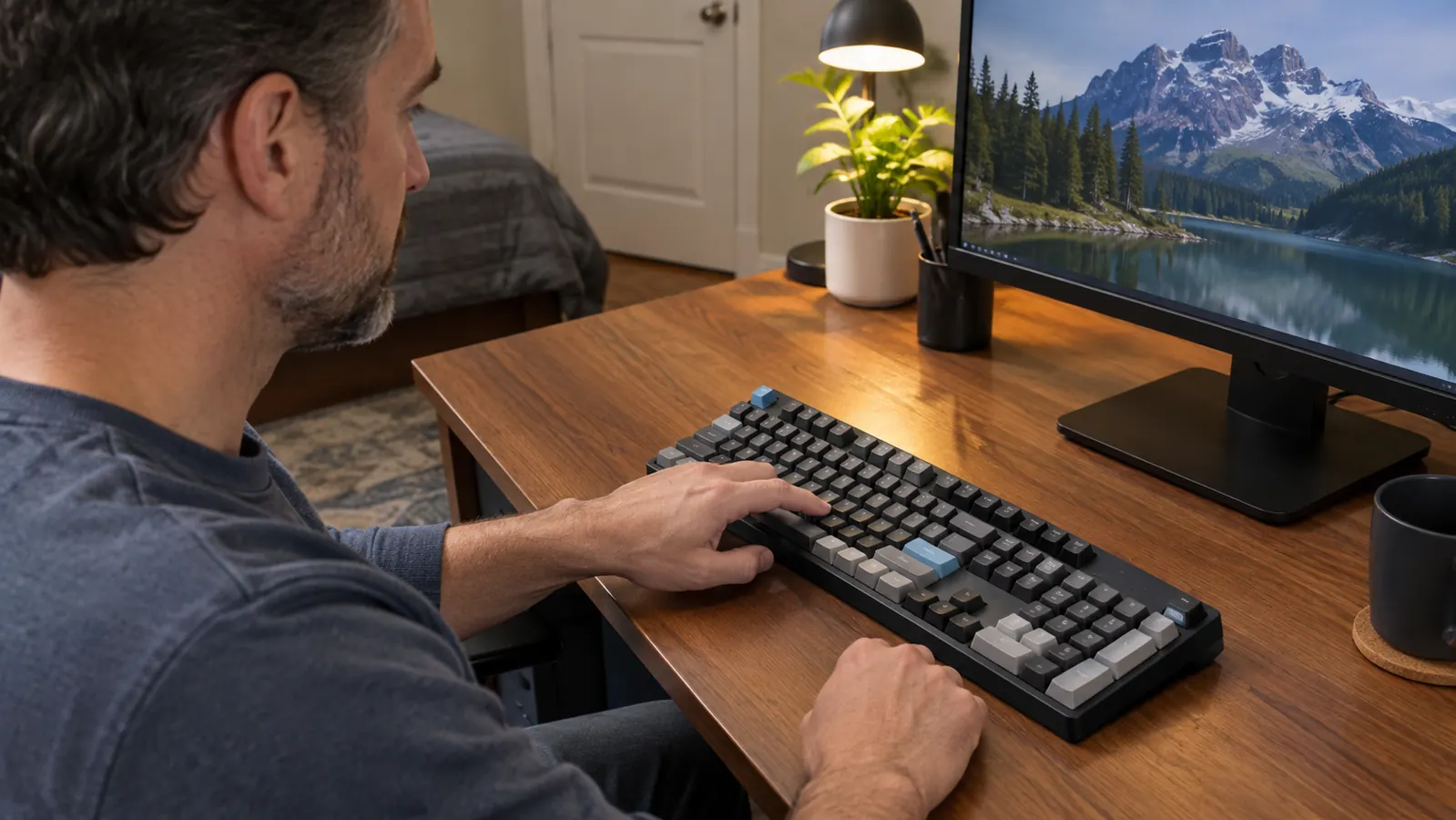
The first thing I noticed with the Logitech G G413 SE is how planted it feels. The top plate has a brushed metal finish, and the whole board weighs roughly 1.3 kg. That does not sound like much until you have spent a year with a keyboard that creeps across the desk mid-game. My corner desk has a wobble in its left leg, a quirk of the cheap desk I have been meaning to replace for about two years, and my old membrane board would slowly migrate toward the monitor over a long evening. I would nudge it back into place, and by the next night it had drifted again. The Logitech G has not moved a centimeter since I plugged it in. The rubber feet grip the wood, and the weight does the rest. The first time I really noticed was a Tuesday night in March. I was a few hours into a session, reached for my water bottle, and realized I had not straightened the keyboard once all evening. With the board I used before, that was a twice-a-night habit. I also like that the metal top plate does not flex when I lean on it. Cheap boards bend in the middle if you rest your palms too hard; this one does not budge. The finish also does not show fingerprints the way glossier boards do, which matters when the desk is also my work surface during the day. I am not a heavy-handed typist, but my son Owen is, and the frame handles his mashing without a hint of flex.
The switches are the other big win. The Logitech G G413 SE uses tactile switches with a firm bump and a quieter sound than the Redragon's clicky ones. I can type on it all afternoon while my wife is on a call in the next room, and she has never once complained, which I cannot say for the Redragon. The keycaps are PBT, the durable kind, and after months of evening gaming sessions they still look the same, with no shiny wear on the WASD keys. My old keyboard developed a glossy patch on the W key within about six months; the Logitech G shows nothing. The full-size layout matters more than I expected too. In my IT support job I spend part of every day typing part numbers and ticket IDs into spreadsheets, and having a real number pad on the right side saves me from hunting across the top row. I timed myself once, out of curiosity, and data entry took me noticeably less time with a real numpad. Media controls live on the function row, and the anti-ghosting registers every key even when I mash three at once during a panic. The board does both jobs, work and gaming, without making me compromise on either. That is the whole reason it is still on my desk. I have also gotten used to the way the keys bottom out softly instead of clacking, which is the kind of thing you do not notice until you switch back to a louder board and immediately miss it.
Where the Redragon K552 Wins
I have to give the Redragon K552 credit where it is due. It is a tenkeyless board, which means it has no number pad, and that shorter body is a real advantage on a cramped desk. My corner desk is not huge, and when I ran the Redragon I measured the difference myself: it is roughly 358 mm wide against about 446 mm for the Logitech G, and that extra nine centimeters of mouse room is exactly what you feel in a first-person shooter. I run my mouse at 800 DPI with a low in-game sensitivity, the kind where a full swipe across the pad is only part of a turn. With the Logitech G, my mouse would occasionally bump the keyboard frame on a fast flick. With the Redragon, that stopped happening. On a desk the size of mine, that is not a minor detail; it is the difference between losing a fight because your mouse hit a wall and winning it. If you play on a tiny desk or a laptop stand, the Redragon's footprint is the whole argument for buying it. It is also easier to fit on a keyboard tray if you have one of those pull-out shelves under your desk. My desk does not have one, but I have set up enough home offices to know a lot of people do. If you are one of them, measure your tray before you buy a full-size board.
The Redragon is also lighter, about a kilogram, and that makes it the board I grab when I want to take a keyboard somewhere. A friend of mine hosts a LAN night a couple of times a year, and the Redragon went into a backpack without a second thought. The Logitech G stays on my desk, where it belongs; the Redragon is the one I would trust to survive a car ride. The clicky switches, which are Outemu Blue, are loud in a way some people genuinely like. They have a sharp, satisfying snap that feels great for fast games, and if you are coming from a membrane keyboard, that click is half the fun of going mechanical. It is an easy first mechanical keyboard for someone who is not sure they will stick with the hobby. I have recommended it to two friends who just wanted to try mechanical switches without overthinking it, and both of them were happy with it. If you want something light, compact, and loud, the Redragon K552 is a perfectly reasonable pick. It just was not the pick for me. One more honest note: the Redragon's keycaps are the cheaper ABS kind, and after heavy use they will start to shine where your fingers rest. That is normal at this level, but it is one more reason the Logitech G feels like the longer-term purchase. If you are the kind of person who likes your keyboard to announce itself, you will love it. My wife did not, and that settled it for me.
The keyboard that stayed on my desk
After a month of switching back and forth, the Logitech G G413 SE is the one I kept plugged in. If you want one board that types well, games well, and does not sound like a typewriter from 1985, this is the one I would buy again.
Amazon Check Today's Price on Amazon →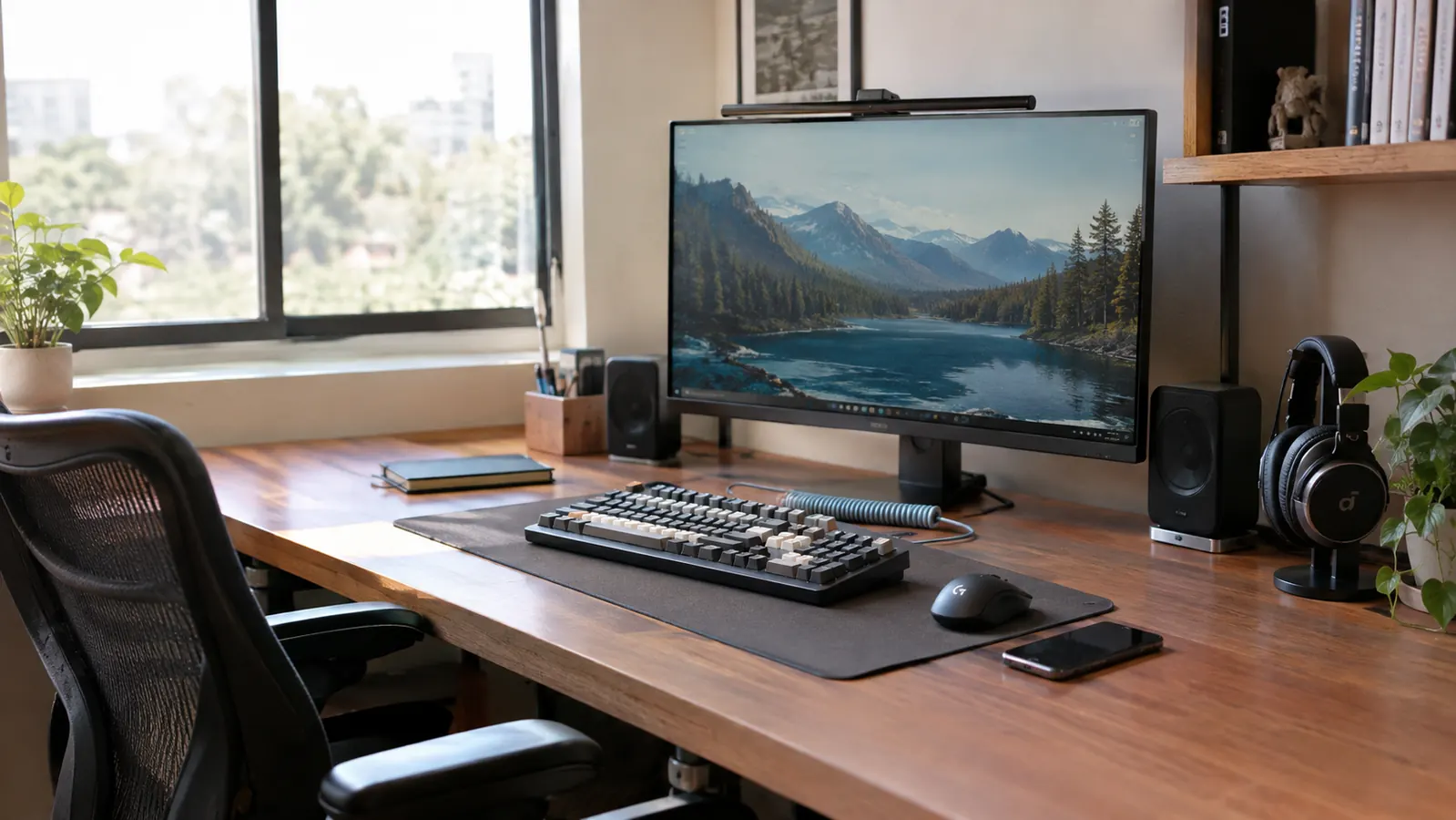
Who Should Buy Which
Buy the Logitech G G413 SE if you type a lot, if you share a room with other people, or if you want one keyboard that does not feel like a compromise. That is the board I recommend to friends who ask what to put on their desk, and it is the one I kept. My son Owen, who is fifteen, uses the same PC on weekends, and he has never once complained about the Logitech G. That is about the highest praise a teenager can give a keyboard. He plays whatever he is into these days, and the board just gets out of the way, which is exactly what a gaming keyboard should do. The same goes for my own evening sessions: I sit down, the keyboard is there, it works, and I stop thinking about it. That sounds like faint praise, but it is the whole point. A keyboard should be the most boring part of your setup, in the best possible way. I have been building PCs for twenty years, and the boring keyboard is the one that keeps you from thinking about your keyboard. The Logitech G is that keyboard for me.
Buy the Redragon K552 if your desk is genuinely small, if you play competitive shooters and need mouse room, or if you know you want a loud, clicky switch and a board you can carry. It is a good keyboard for what it is, and for its narrower footprint it punches above its weight. If I were still going to LAN parties every month, I might own one myself, and I have already suggested it to friends who wanted a cheap way into mechanical switches. But if you are deciding between the two and you have the space for a full-size layout, the Logitech G G413 SE is the one I would put my own money on. It is the keyboard I kept on my desk after the comparison was over, and a few months later, I have not regretted that choice once. If anything, I am more sure of it now than I was on day one. If you end up with the Redragon, you are not making a mistake; you are just making a different trade. But for most desks, the Logitech G G413 SE is the safer bet.
Still comparing? Here is my bottom line
The Logitech G G413 SE is the keyboard I kept and the one I would buy again. It types better, sounds better, and feels like it will outlast the Redragon on the same desk. Check today's price and see if it fits your setup.
Amazon Check Today's Price on Amazon →