
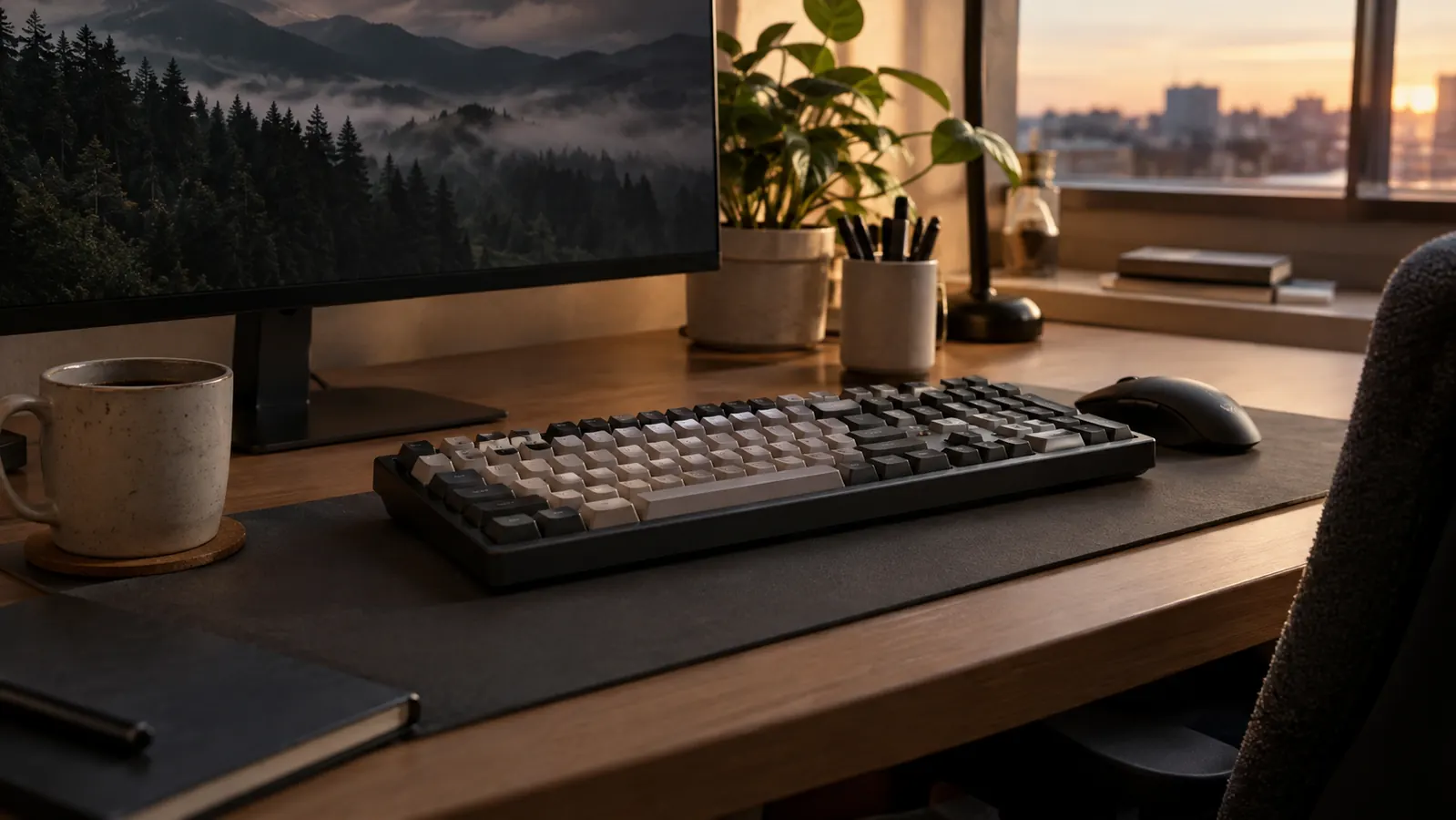
I've been typing on the Logitech G413 SE for months now, and I still catch myself noticing the little things: the way the keys feel almost identical every single press, the lack of flex when I lean on the frame during a tense match, the fact that I haven't once thought about the cable. For a guy who builds everyone's PC and spends his workday fixing other people's tech problems, a keyboard that simply gets out of the way is worth more than a stack of RGB features I'd never use.
This is the long-term review I wish I'd found before I bought it. No unboxing hype, no sponsored superlatives. Just what the Logitech G413 SE is like at month one, month three, and now, after enough evening gaming sessions and weekend rounds with my son Owen to form an honest opinion.
The Quick Verdict
The Logitech G413 SE is the keyboard I recommend to anyone who wants a dependable full-size mechanical board without paying for features they'll never use. It feels built to last, types cleanly, and the only real trade-off is the lack of dedicated software for macros and lighting.
Amazon Check Today's Price →A full-size mechanical keyboard that just works
After months of daily use, the Logitech G413 SE is still the first thing I point people toward when they ask what keyboard to buy. Check today's price on Amazon and see if it fits your setup.
Amazon Check Today's Price on Amazon →How I've Used It
My setup is a corner desk in a spare bedroom that doubles as my home office. I work from it during the day, game on it most evenings, and hand it over to Owen on weekends when he jumps on the same PC. That means the Logitech G413 SE gets a mix of typing, spreadsheet drudgery, and enough frantic key mashing in shooters to expose any weakness in a board's build quality. It went on the desk the first week of January, replacing a tenkeyless rubber-dome board I'd used for about a year, and it hasn't moved since. On Saturdays, Owen takes over the same desk for a few hours, so the board sees two different players with two different typing styles. My rule for any new keyboard is a two-week grace period before I decide whether it stays on the desk, and this one passed with room to spare.
It's a full-size layout, so I get the number pad for work, the function row for media keys, and a frame that doesn't budge when I'm leaning into a match. The switches are Logitech GX Brown tactile switches with a 50-gram actuation force and a 1.9mm actuation point, so I feel a small bump at the moment the key registers instead of a silent linear push. I've used both kinds over the years, and for a board that splits time between typing and gaming, tactile is my preference. I can feel exactly when a key has engaged, which cuts down on typos during long writing sessions and keeps me from bottoming out during games.
One detail I've come to appreciate is the cable. It's braided, it exits from the top center of the board, and it's stiff enough to stay where I route it but flexible enough to manage. I run it behind the monitor stand and down the back edge of the desk, and it has stayed exactly where I put it since January. The board it replaced had a cable that curled back onto itself no matter what I did, which sounds like a small thing until you have to look at it every day.
Build Quality and Feel Over Time
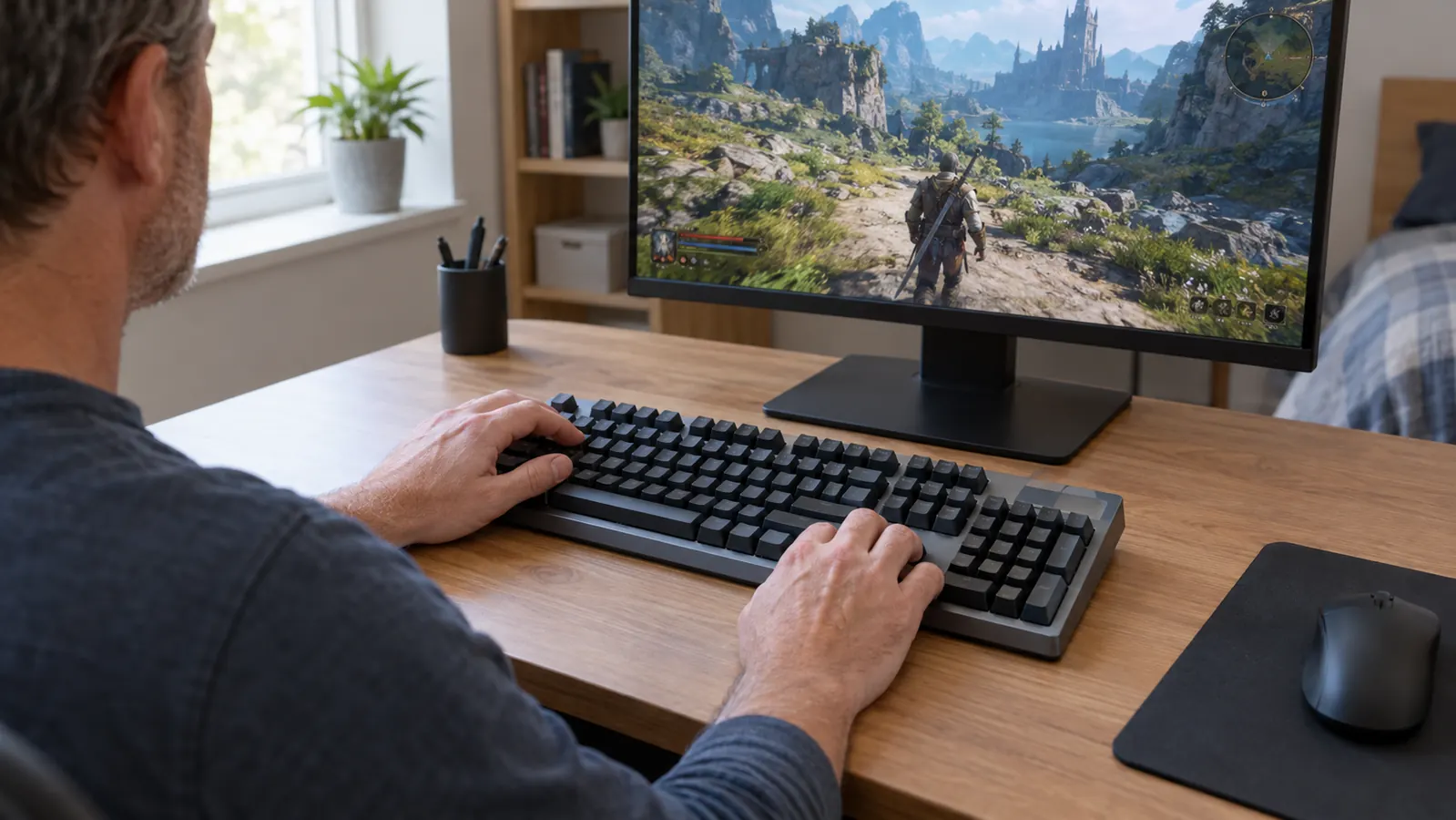
The first thing I check on any keyboard is whether the frame flexes when I press hard. The Logitech G413 SE has an aluminum top plate that feels like part of the structure, not a decorative sticker. I've leaned on it during the end of a close match, I've pressed the corners hard to see if they dip, and I've picked the whole board up by its edges to see if it twists. Months in, there's no creaking, no give, and no sense that the board is loosening up in a bad way. The keycaps have a matte texture that hasn't worn shiny in the spots where my fingers land, which is more than I can say for some boards I've owned. There are rubber feet on the bottom of the board that keep it planted on the desk, and I've never had it slide even a centimeter during a match.
I've also spilled things near it. Twice. The first was in March, a mug of coffee that went over and sent a wave across the desk. I flipped the board, dried it off, and kept going. The second was a glass of tea in June that landed closer than I'd like to admit. Both times, the G413 SE came through without a single stuck key or ghost input. I don't recommend testing this on purpose, but it tells me the board is built with real-world use in mind.
The switches are rated for tens of millions of presses, and I can't tell any difference between how the board felt on day one and how it feels now. That consistency is the quiet reason I keep reaching for it instead of swapping in one of the other boards I have sitting in a drawer. I do swap boards occasionally to remind myself what else is out there, and every time I come back to this one within a day. The drawer currently holds a linear board I bought on a whim and a compact board I picked up for travel. Both are fine. Neither feels as solid when I rest my palms on the frame during a long session.
Typing Experience and Everyday Use
I type all day for work, then I come back to the same keyboard in the evening. That's a brutal test for any board, and the Logitech G413 SE handles it. My job involves a lot of ticket notes, documentation, and replies to people who are already frustrated, so I probably type more words on an average Tuesday than most people do in a week. The longest single day I've put in on this board was a Friday when I wrote out twelve pages of upgrade documentation for a client, and my hands still felt fine at the end of it. I can't say the same for the rubber-dome board this one replaced. The tactile bump is pronounced enough that I can type without bottoming out, which means less noise and less finger fatigue by the end of the day.
It's not a quiet keyboard. You can hear the switches when you type fast, and in a room with someone on a call, they'll know you're working. But it's also not the loudest mechanical board I've used. It sits somewhere in the middle: audible enough to feel mechanical, not so loud that my wife complains from the other room. If you've ever tried to type quietly on a board with clicky switches, you know exactly what I mean when I say this one is a relief.
The keycaps have held up well. The legends are crisp and show no sign of wear, and I checked them with a flashlight a few weeks ago, looking specifically at the W, A, S, D keys where my fingers spend most of their time. On cheaper boards I've owned, the lettering started fading within a year. On this one, the letters still look brand new. That's a detail I notice every time I look down at the keys.
Gaming Performance and the Features I Actually Use
For gaming, the Logitech G413 SE doesn't try to be fancy. There's no per-key RGB, no dedicated macro keys, no volume roller. What it offers is a solid full-size layout with reliable switches and a connection that has never once dropped or double-registered a key. In the months I've used it, I have not had a single missed input in a game. I've played the same competitive shooter I've had installed for years, I've worked through a co-op survival game with Owen on Saturday mornings, and I've had the occasional moment where I hit three keys at once while trying to strafe, reload, and call out an enemy at the same time. The board has handled all of it without a single dropped press. I also tested the rollover early on by holding down a cluster of keys in a typing test to see if any inputs got dropped. None did.
The keyboard does have backlighting, but it's simple: white light, five brightness levels, controlled from the function row. That's genuinely all I need. I'm not someone who stares at my keyboard during a game, and the light is bright enough to find the keys in a dark room without turning the whole desk into a light show. It also means I don't have to install anything to control it. The controls live on the function row, which is exactly where they should be.
One thing I will flag: there's no dedicated software support for this board. If you want to remap keys or set up macros, you're out of luck, because the G413 SE is plug-and-play only. For me, that's fine. I don't remap keys, and I'd rather have a keyboard that just works than one that requires an app to do basic things. Logitech G clearly made a decision here to keep things simple, and I respect it. But if you live in your keyboard's software, this is the main reason to look elsewhere.
I'll admit, part of me wanted per-key RGB when I first bought it. After a month, I stopped noticing the absence entirely. What I do notice is that the board wakes instantly from sleep, that keys register the moment they're pressed, and that I never have to open a settings window to fix something that stopped working. Those are the features that actually show up in a game.
In the months I've used it, I have not had a single missed input in a game. That matters more to me than any lighting effect.

What I'd Change
No keyboard is perfect, and the Logitech G413 SE has a few things I'd adjust if I could. The first is the lack of software, which I already mentioned. The second is the cable: it's not detachable. If the cable ever gets damaged, or if I want to swap it for a coiled cable, I can't. It's a small thing, but it means the whole board has to go back if the cable ever fails.
The third is the keycaps themselves. The matte texture feels great, but it does pick up oils from my fingers, and I find myself wiping the board down more often than I'd like. The oils are invisible from a normal sitting distance, but if I angle the board toward the window, I can see smudges on the space bar and the W, A, S, D cluster. It's not a dealbreaker, and it's a ten-second wipe, but it's worth knowing if you're picky about how your desk looks.
And if you absolutely need per-key RGB, this is not the keyboard for you. The backlighting is clean and even, but it's not customizable beyond brightness. I mention this because I've seen people buy this board expecting RGB and then leave disappointed reviews. It's not that kind of keyboard, and it's not trying to be.
What I Liked
- Solid, flex-free build that shows no wear after months of daily use
- Tactile switches with a clear bump that work great for both typing and gaming
- Keycap legends that show no wear after months of heavy typing
- White backlighting with five brightness levels, no software required
- Full-size layout with number pad for work and gaming
- Braided cable that's easy to route and manage
Where It Falls Short
- No software support for remapping or macros
- Non-detachable cable
- Keycaps pick up fingerprints and oils over time
- White backlighting only, no per-key RGB
Who This Is For
The Logitech G413 SE is for the person who wants a dependable full-size mechanical keyboard without paying a premium for features they won't use. It's for the gamer who types all day, the home office user who wants one board for everything, and the parent who'd rather spend money on games than on per-key lighting. It's for anyone who has ever been annoyed by a keyboard that shifts around during a match, or keycaps that wear smooth after a few months, or software that demands an account just to change a setting. Logitech G's G413 SE is the board I'd put on your desk if you told me you wanted one keyboard that would still feel right in two years.
If that sounds like you, stop overthinking it. This is the board I reach for every day, and it's the one I'd buy again.
Who Should Skip It
If you need per-key RGB, programmable macros, or a keyboard with a companion app, the Logitech G413 SE will frustrate you. Logitech G keeps things simple with this board, and that simplicity is a feature for me but a limitation for others. If you want a tenkeyless board to save desk space, this isn't it, because the full-size layout is the whole point. And if you prefer quiet linear switches or a low-profile board, the tactile switches here will feel different from what you're used to.
My honest advice: figure out which of those things you actually need before you buy. If you don't need them, the G413 SE is one of the best values in mechanical keyboards. If you do, spend the extra money on a board that has them, because you'll just end up replacing this one.
Still the keyboard I'd buy again
After months of daily use, the Logitech G413 SE has earned its spot on my desk. If you want a full-size mechanical keyboard that just works, check today's price on Amazon.
Amazon Check Today's Price on Amazon →