
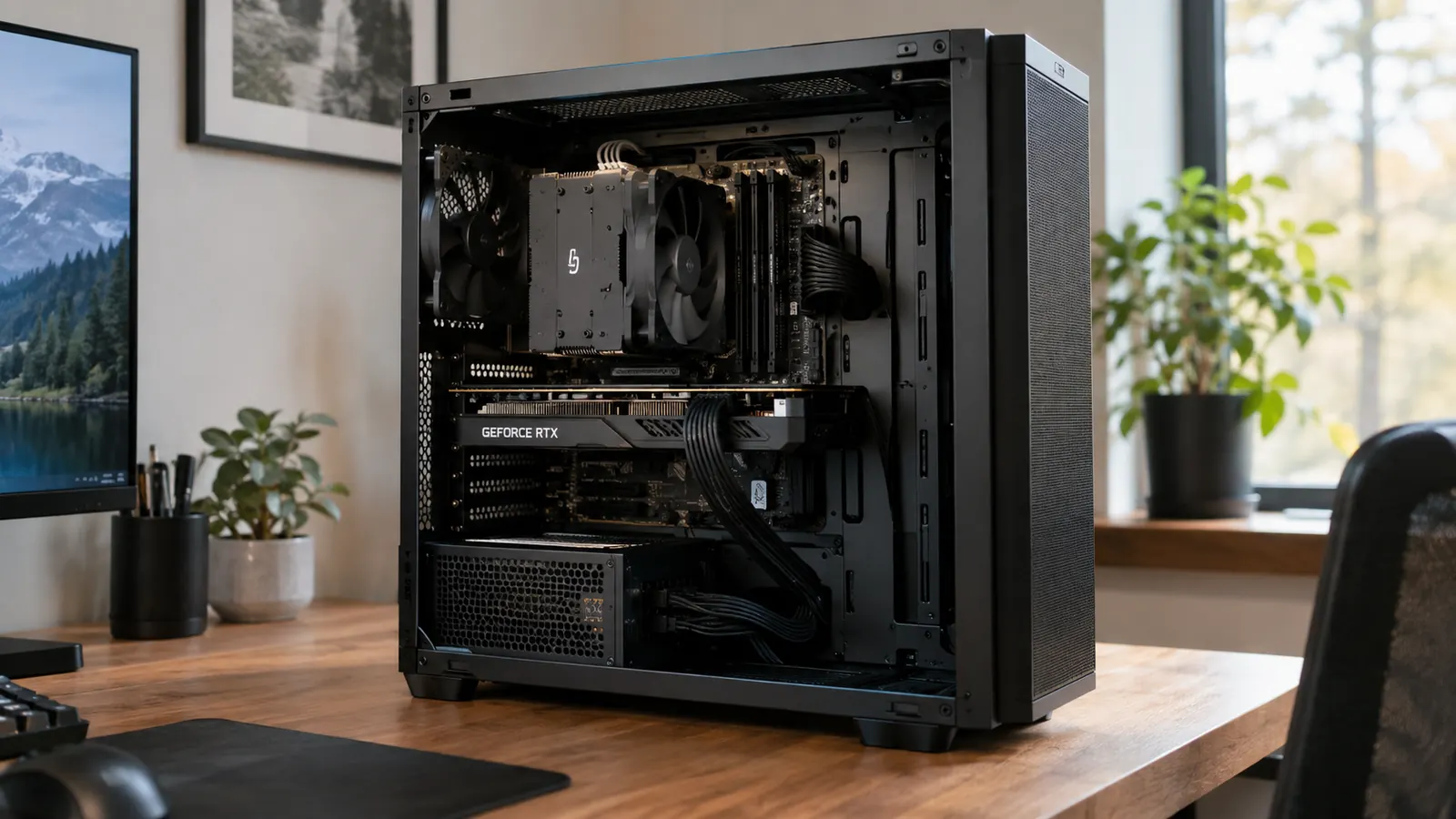
If you are staring at a power supply listing and wondering whether 750 watts is too much, too little, or exactly right, you are in the right place. I have built and upgraded gaming PCs for about twenty years, and wattage is the question I get asked most often by friends and coworkers. It is also the one where a little knowledge saves you from buying twice.
The short version is that wattage matters less than people think, but choosing wrong costs real money. Too small and you get shutdowns under load, a power supply that runs hot, or a fan that sounds like a small airplane. Too large and you have spent extra on capacity you will never touch. This guide walks through how I pick a wattage, using the Corsair RM750e as the example I have had in my main rig for months.
Need a 750W PSU that won't fight you on cable management?
The Corsair RM750e is the unit I keep recommending to people who want headroom without overspending. Fully modular, quiet under load, and ATX 3.1 ready for current GPUs.
Amazon Check Today's Price on Amazon →Before we get into the steps, one honest note: I do not start with a calculator. I start with the parts I already own or plan to buy, because the calculator is only as good as the numbers you feed it. The process below is the one I use for every build I put together, whether it is a budget office machine or a weekend gaming rig.
Why 750W Is the Sweet Spot for Most Builds
I have built machines with 450W units and machines with 1000W units, and for the last several years, 750W has been the number I keep landing on. It is enough for a strong single-GPU gaming build with room for upgrades, but it is not so large that you are paying for capacity you will never use. The Corsair RM750e sits right in that spot.
The 750W class also tends to get the most attention from manufacturers, which means better fan profiles, better cables, and better support for the latest ATX standards. When I recommend a power supply to someone, I would rather point them to a well-built 750W unit than a budget 850W unit with worse components.
Step 1: Add Up Your Real Power Draw, Not the Box Maximums
The first mistake people make is adding the maximum power draw from every box. A graphics card box might say 300W, and a processor box might say 125W, so they add those together and panic. In real use, your system almost never runs every component at absolute maximum at the same moment. Games are not built that way.
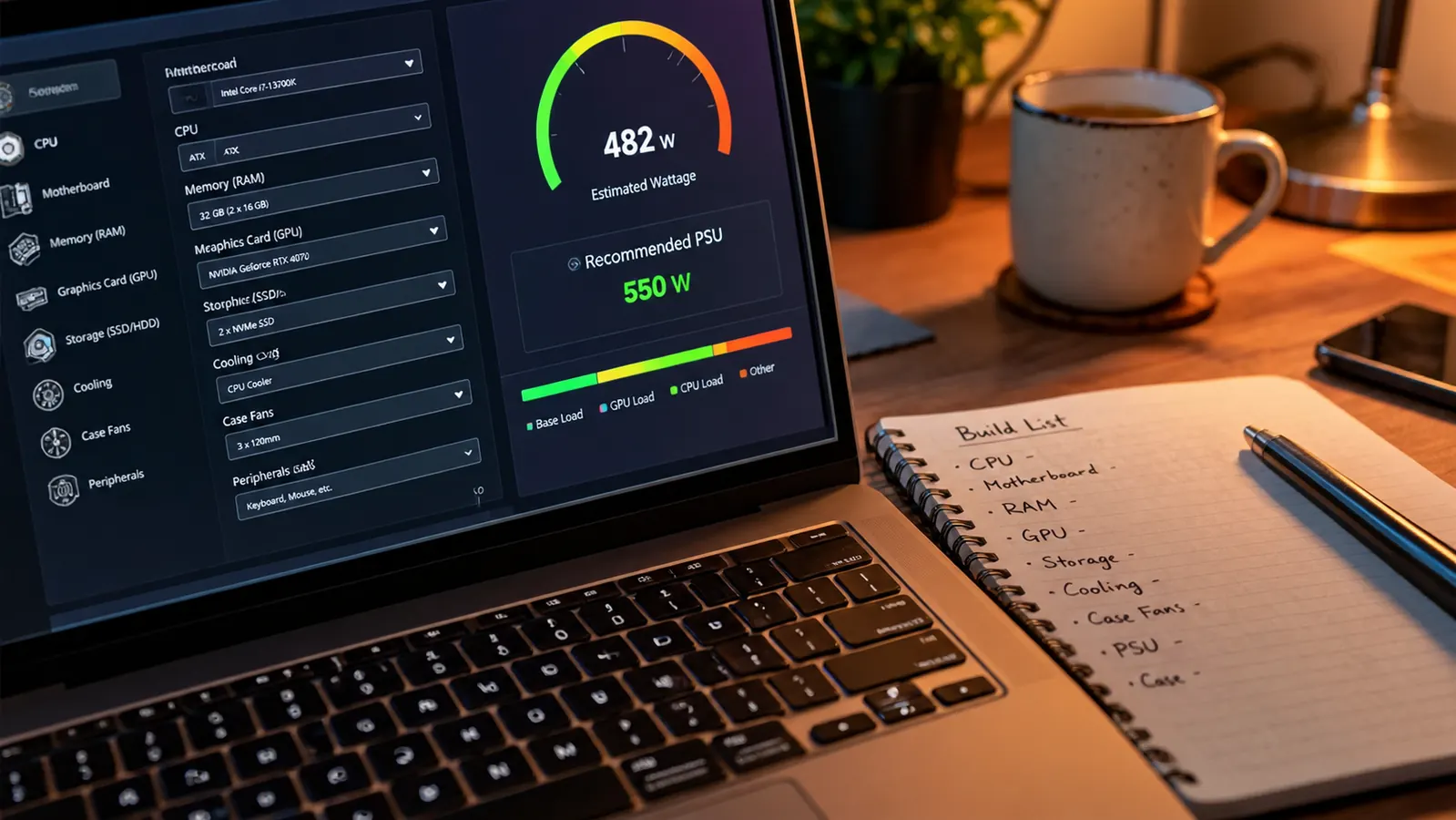
Here is the simple math I use. Take the power draw of your graphics card under load, add the power draw of your processor under load, then add about 100W for the motherboard, RAM, drives, fans, and everything else. For a typical single-GPU gaming build, that lands somewhere between 450W and 600W. A quality 750W unit sits comfortably above that with room to spare.
To use a concrete example, a graphics card that draws around 220W and a processor that draws around 100W gives you roughly 420W with the rest of the system included. That means a 750W power supply is running at about 60% of its rated capacity during a heavy gaming session, which is exactly where you want it. It stays cooler, quieter, and more efficient than a unit pushed to 90%. The easiest way to get these numbers is to look up the typical power draw for your exact GPU and CPU, not the recommended power supply size. A GPU page might say 600W power supply recommended, but that recommendation includes a safety margin for unknown system builds. Your actual draw is almost always lower.

Step 2: Read the Rating as Continuous, Not Peak
Another reason people overbuy is that they do not know what the number on the label means. A wattage rating on a good power supply is the continuous output it can deliver, not a peak number it hits for a second. Cheap units sometimes list a peak wattage that looks generous but falls apart under a sustained load.
The Corsair RM750e is rated for 750W of continuous output, and it carries a Cybenetics Gold efficiency rating. That Gold rating means it wastes less power as heat, which matters if your PC lives in a room that doubles as an office. Less wasted power also means less heat for the fan to move, and that is part of why the unit stays quiet.
Do not get hung up on the difference between Gold and Platinum unless you are running your PC for hours at full load every single day. For an evening gaming session a few times a week, Gold efficiency is the sweet spot. You get the reliability without paying a premium for a rating you will not feel in your electric bill. One thing I tell people is to ignore the peak power draw listed on cheap units entirely. A unit that claims 850W peak but only delivers 600W continuously is not an 850W power supply. The Corsair RM750e, by contrast, is rated honestly, and that is why the brand name matters more than the number on the box.
Step 3: Check the GPU Cable Before You Check the Watts
Modern graphics cards have changed what matters in a power supply. The current generation of GPUs uses the 12V-2x6 connector, and if your power supply does not have a native cable for it, you are stuck using a clunky adapter that came in the GPU box. That adapter works, but it adds another point of failure and makes cable management harder.
The Corsair RM750e is ATX 3.1 and PCIe 5.1 compliant, and it includes the 12V-2x6 cable in the box. That means you plug the cable straight from the power supply into the GPU, no adapter dongle hanging in the middle of your case. For anyone building a new system in the next few years, that is a bigger deal than an extra 50 watts.
If you are keeping an older GPU, the same unit still covers you with the standard PCIe cables. The point is that buying a power supply today without native support for current connectors means you will probably replace it sooner than you expect. Wattage is not the only thing that ages. If you are buying a power supply for a new build, I would not buy a unit that predates ATX 3.1 unless it is a screaming deal and you are using an older GPU. The connector situation is changing fast, and the RM750e is already on the current standard. That is the kind of thing you appreciate a year later.
Step 4: Add Headroom for Upgrades and Fan Noise
Once you know your real draw, the next question is how much headroom you want. My rule is simple: buy the wattage you need today, plus enough room for the upgrade you are most likely to make in the next few years. For most people, that means a GPU upgrade, and GPU power draws have been creeping upward.
Let us say your current build draws 500W under load. A 650W unit would run it, but a 750W unit runs it at about 66% load instead of about 77% load. That difference does not sound huge, but it shows up in fan speed and noise. Power supply fans are often the loudest thing in a PC when they spin up, and the RM750e has a low-noise fan profile that stays relaxed at moderate loads.
Headroom also protects you from the random spikes that modern GPUs can draw for a few milliseconds. A power supply running close to its limit is more likely to trip its protections when a spike hits. The extra 100W of headroom in a 750W unit is cheap insurance compared to the cost of replacing a power supply that keeps shutting your PC down mid-game. There is also the question of how long you expect to keep the unit. A good power supply can outlast two or three GPUs. If you buy 750W now, you are not buying a power supply for this build, you are buying the foundation for the next build too.
Step 5: Make Sure It Fits and the Cables Reach
Wattage is meaningless if the power supply does not fit in your case or the cables will not reach your motherboard. Before you commit, check the case specs for the maximum power supply length. Most mid-towers are fine with a standard ATX unit, but some compact cases need a shorter one.
The Corsair RM750e is a fully modular ATX power supply, which means every cable detaches from the unit. In a mid-tower build, that is a big deal. You only install the cables you need, so there is no wad of unused cables stuffed behind the drive cage. I have built enough machines to know that modular cables are the difference between a clean build and a rats nest.
Lay the cables out before you screw anything in. Route the 24-pin motherboard cable and the CPU cable first, then the GPU cable, and leave a little slack so nothing is stretched tight. A few minutes of planning at this stage saves you from opening the case again when a cable does not reach the way you expected. One more fit detail: the RM750e uses the standard ATX footprint, so it drops into almost any mid-tower without drama. I have installed it in a case with a shroud and a case without one, and both were straightforward. Just make sure your case has a vented area near the PSU intake so it can breathe.
What Else Helps
A good power supply is only part of the story. I pair every build with a surge protector, and if you live somewhere with dirty power, a basic UPS is worth considering. The RM750e can handle fluctuations, but it is happier when it is not being fed a constant stream of voltage dips.
Keep the PSU intake clear. In most mid-towers the fan pulls air from underneath the case, so set the PC on a hard floor or a desk, not a thick carpet. Also, use the cables that came with the unit. Mixing modular cables between different Corsair units can cause damage because the pinouts are not always the same.
And one last thing: do not let the numbers on a wattage calculator scare you into buying more than you need. The best power supply is not the biggest one, it is the one that runs quietly at the loads you actually use. For the vast majority of gaming PCs, that is a quality 750W unit like the Corsair RM750e.
The RM750e has been in my main rig for months, and the fan is still the quietest thing in the room during long weekend sessions.
Still unsure between 650W and 750W?
If your build is a single-GPU gaming PC, 750W is the sweet spot for headroom and noise. The Corsair RM750e handles current hardware without breaking a sweat, and the fully modular design makes installation easier than any power supply I have used in years.
Amazon Check Today's Price on Amazon →