
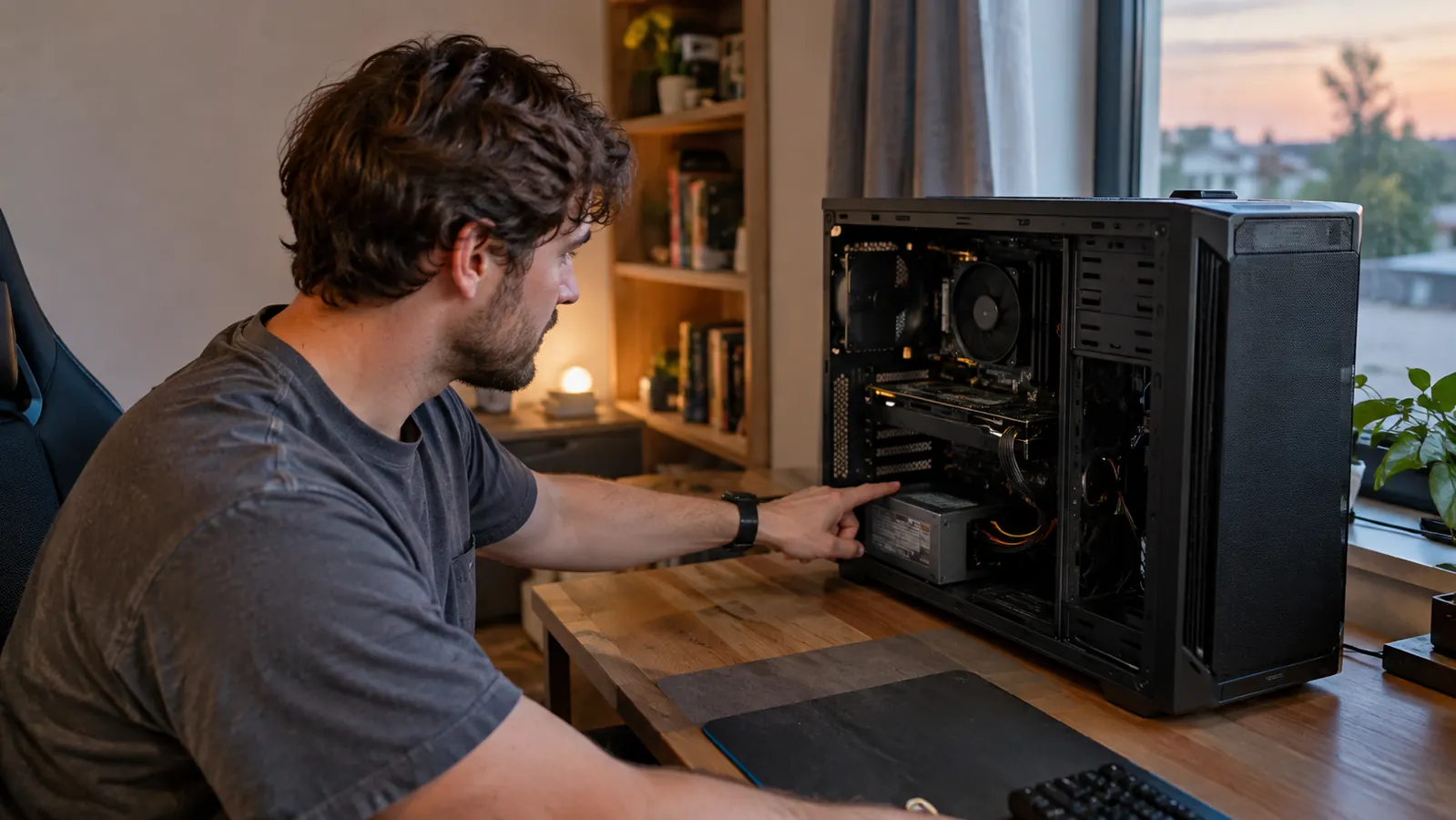
Two 750-watt power supplies, both Gold rated, both fully modular, both backed by a seven-year warranty. On paper they look nearly identical, which is exactly why you're stuck choosing between the Corsair RM750e and the MSI MAG A750GL. I've had both in my own mid-tower over the past few weeks, swapping them through the same build, and the honest answer is that they're closer than any spec sheet will tell you. They are not the same, though, and the differences matter more than the wattage suggests.
The short version: I'd buy the Corsair RM750e. It ships with the newer 12V-2x6 GPU connector, it publishes a 105°C capacitor rating and a Cybenetics Gold efficiency report, and its shorter 140mm body makes cable routing noticeably easier in a mid-tower. The MSI MAG A750GL is the value pick. It usually costs less, it's a proven ATX 3.0 design with a native 12VHPWR cable, and it's every bit as quiet at idle. If your budget is fixed, the MSI is a genuinely smart buy. If you want the part that's slightly ahead on the details, the Corsair earns the extra few dollars. I'll walk you through exactly why, and where the MSI genuinely fights back.
| Corsair RM750e (2025) | MSI MAG A750GL | |
|---|---|---|
| GPU connector | Native 12V-2x6, the newer ATX 3.1 / PCIe 5.1 design | Native 12VHPWR, the earlier ATX 3.0 / PCIe 5.0 design |
| Capacitor rating | 105°C-rated capacitors, listed in the published spec sheet | Quality Japanese capacitors, no published 105°C rating |
| Case fit | 140mm body, more room for cables in tight cases | Standard ATX length, fits most mid-towers fine |
| Low-load noise | Zero RPM mode, fan off under light load | Zero RPM mode too, just as quiet at idle |
| Efficiency | Cybenetics Gold, with a published report | 80 Plus Gold, the more common certification |
| Warranty | Seven years | Seven years |
| Price | Usually a little more | Typically a little less |
How I Compared Them
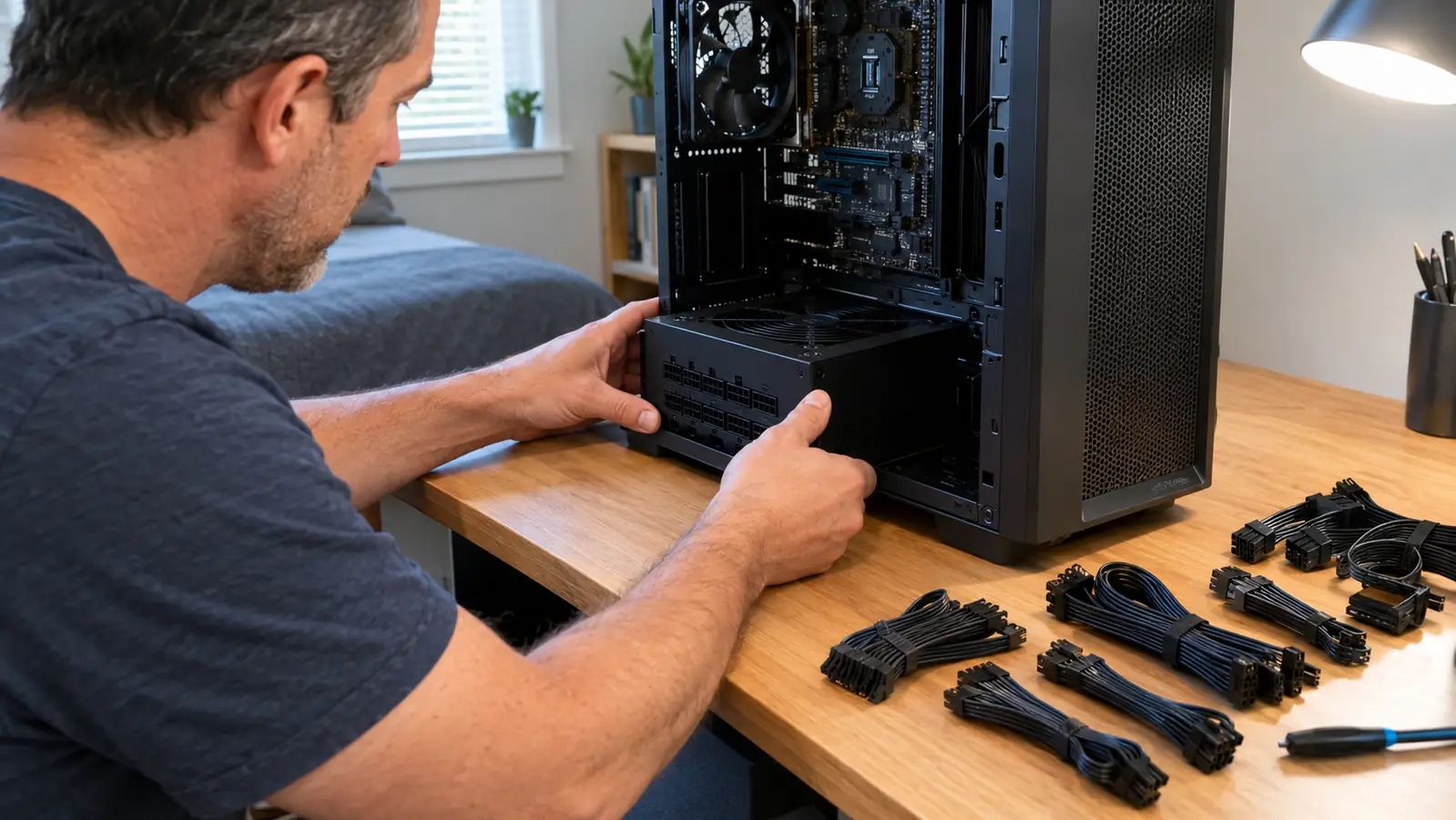
I didn't bench-test these in a lab, and I'm not going to pretend I did. What I can tell you is how they behave in a real build, because that's what you're actually buying. I ran each unit in the same mid-tower for about two weeks, with the same motherboard, the same GPU, and the same games my son and I play on weekends. I also left both units in for a full week of normal use, because a power supply that only misbehaves under a long session is the worst kind to own. I checked how hard they were to install, how much room the cables left me, whether the fan spun up during a long session, and whether anything made me reach for a zip tie.
One thing worth saying up front: a power supply is the one part of a PC where nothing exciting should happen. If you can feel it, hear it, or smell it, something is wrong. Both of these units behaved themselves for the whole test. The differences showed up in the small stuff: which connector came in the box, how the cables bent, how much of the case the unit filled, and how the fan curve responded when the GPU pulled a hard load.
Where Corsair Wins
The first reason is the connector. The RM750e ships with a native 12V-2x6 cable, which is the updated version of the 12VHPWR design used on current high-end GPUs. The 12V-2x6 revision shortens the sense pins so the connector is far less likely to sit partially seated, which was the main concern with the earlier design. If you're buying for a current or upcoming graphics card, you're starting on the standard that will be around for the life of this unit. And if you're the kind of person who keeps a power supply across two or three GPU upgrades, that's the difference between swapping a cable and buying a new unit.
The second reason is the published detail work. Corsair lists a 105°C capacitor rating, and the Cybenetics Gold certification comes from a testing program that's stricter than the basic 80 Plus program. The unit is also 140mm long, which is shorter than most 750-watt units, and that extra inch of space in the bottom of a mid-tower makes a real difference when you're tucking cables. On top of that, if you already own Corsair Type 4 cables from an older build, they carry straight over, which is a small thing until you're doing cable management at midnight.
Where MSI Wins
The MSI's biggest advantage is the price. It usually undercuts the Corsair, and on a budget build that difference can go toward something you'll actually notice, like a better CPU cooler or more storage. And here's the important part: the MSI is not a cheaper-feeling product. It's fully modular, the cables are decent, the 120mm fan has a zero RPM mode, and it carries the same seven-year warranty as the Corsair. MSI has also been making solid power supplies for long enough that the warranty is not just a piece of paper.
The other thing in the MSI's favor is that the 12VHPWR connector is not a practical problem for most people. If your GPU uses the 16-pin connector, the native cable in the A750GL works, and it uses the same 16-pin layout, so current cards don't need an adapter. If your GPU still uses the older 8-pin PCIe connectors, it comes with those cables too. The ATX 3.0 design handles transient power spikes well, which is the main thing the new standard was built for. You're only giving up the very latest connector revision, and most builds will never notice the difference.
Why the Connector Generation Matters
The 12V-2x6 connector is the kind of detail that sounds like marketing until a GPU is involved. The original 12VHPWR design had a known weak point: if the connector wasn't fully seated, the sense pins could still report that everything was fine, and the connection could overheat under load. The 12V-2x6 revision shortens those sense pins, so a partially seated connector reads as unplugged instead of pretending to be safe. That's a real safety improvement, not a spec-sheet checkbox.
Does that mean the MSI is dangerous? No, and I want to be clear about that. A properly seated 12VHPWR connection works fine, and millions of builds run it without issue. But if you're buying a seven-year part today, the connector that closes that failure mode is the one I'd rather start with. It costs nothing extra at checkout, and it's the single biggest reason the Corsair wins this comparison for me.
Go with the Corsair RM750e if you want the current connector standard
I'd pick the RM750e for the 12V-2x6 cable, the published 105°C capacitor rating, and the compact body. It's the unit I'd put in my own build today.
Amazon Check Today's Price on Amazon →What Both Do Well
It's worth saying plainly that both of these are good power supplies. There's no bad pick here, and I don't want the comparison to sound like one is a bargain-bin gamble. Both are fully modular, which means you only install the cables you need, and that alone makes a build cleaner than a fixed-cable unit. Both run their fans at zero RPM under light load, so for most of your time at the desk you won't hear either one. Both units also survived my least scientific test, which is running them with the side panel off and listening for coil whine during a loading screen.
Both also handle the things a power supply actually does without drama. Voltage stays where it should, the fan spins up smoothly under load instead of surging, and neither unit made my system stutter or reboot during a weekend of gaming. At 750 watts, you have comfortable headroom for a mid-range or even upper-mid-range GPU with a modern CPU, which is exactly the market these two are aimed at. That headroom also means the fan doesn't have to work hard, which is half of why both of these units stay quiet in normal use.
What I'd Change About Each
Neither unit is perfect, and it's worth being specific about that. On the Corsair, the included cables are good but not premium, and the fan can spin up briefly during a heavy load before the curve settles back down. On the MSI, the 12VHPWR cable is the earlier revision, and the unit is a little longer, which matters mainly if your case is tight on space. If I'm nitpicking, I'd also like a longer AC cord on both, because the ones in the box are short enough that a tower under a desk needs a power strip right next to it.
I'd also like both of them to include a few more SATA cables out of the box, because anyone running multiple drives ends up buying extras. These are small complaints, and they don't change my recommendation, but they're the kind of thing you only notice after you've built a dozen machines.
Do You Even Need 750 Watts?
Before you pick between these two, it's worth asking whether 750 watts is the right size for your build. For a single-GPU gaming PC with a mid-range or upper-mid-range card, 750 watts gives you comfortable headroom without paying for a bigger unit you'll never load. A 650-watt unit can run a lot of mid-range builds, but you lose headroom for future upgrades, and the price gap between 650 and 750 is usually small enough that it's not worth the compromise. If you're running a flagship GPU with a power-hungry CPU, I'd step up to a higher-wattage unit instead of squeezing either of these. But for the vast majority of builds, 750 watts is the sweet spot, which is why these two are the ones everyone asks about.
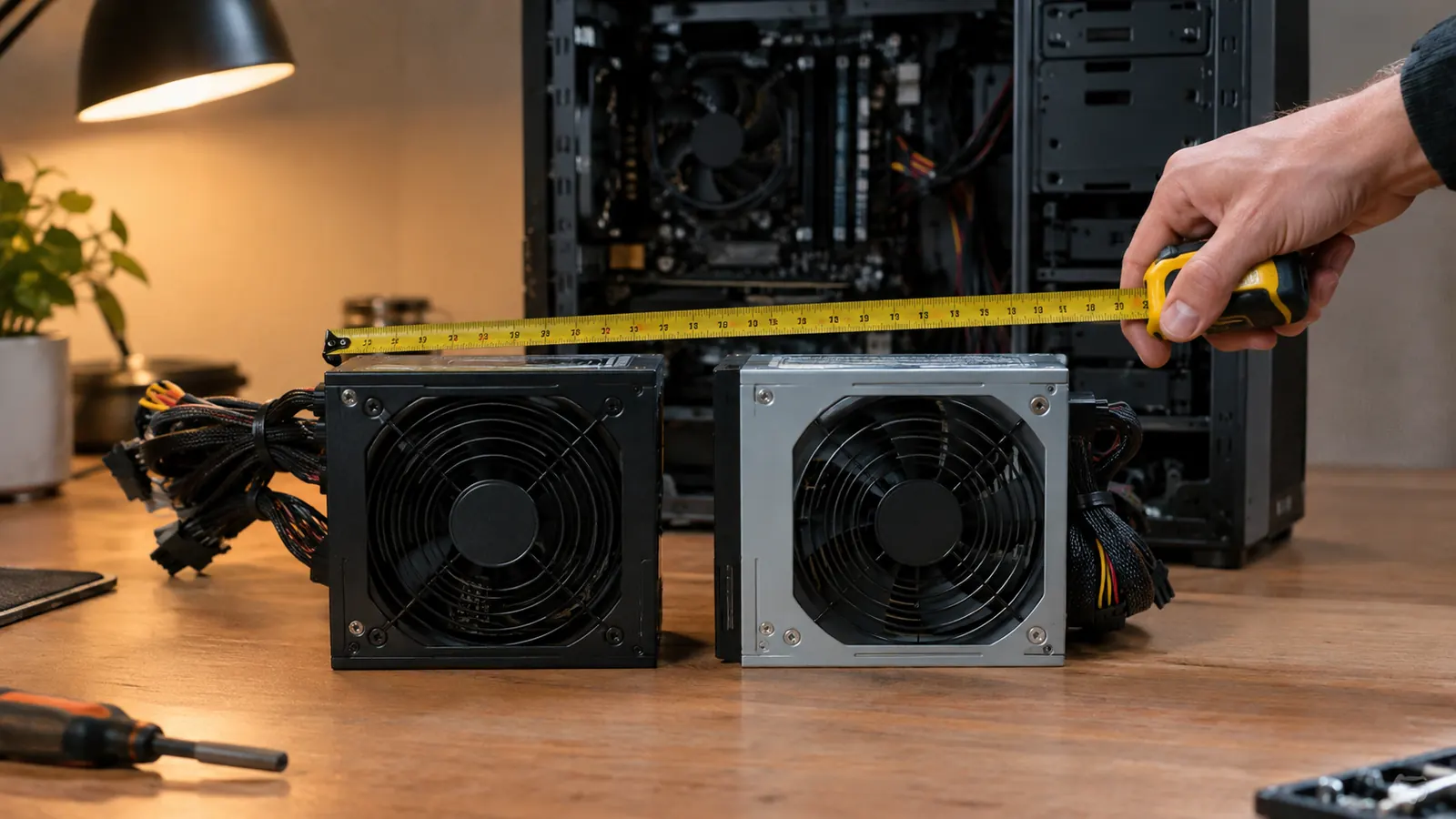
The other thing to check is your case's power supply clearance. Most mid-towers accept a standard ATX unit without a problem, but some smaller cases list a maximum PSU length. That's exactly where the Corsair's 140mm body helps, and it's the kind of detail you only notice when you're holding a tape measure at 11pm on a build night.
My Verdict
If someone put both boxes on my desk and told me to keep one, I'd keep the Corsair RM750e. The 12V-2x6 connector, the published capacitor rating, and the shorter body are the reasons, and none of them is hype. They're just details that make the unit a little easier to live with over seven years. I say that as someone who has replaced more power supplies than he'd like to admit, usually because he bought the cheaper one the first time. But I'd hand the MSI to a friend on a tight budget without a second thought, because it's a genuinely good power supply that gives up almost nothing you'll actually feel.
Whichever you choose, you're getting a solid 750-watt Gold unit from a brand with a long warranty and a real support team. Match the pick to your budget and your GPU, and you won't be back here in a year asking which one to buy next. That's the whole point of buying a good power supply: you do it once.
Who Should Buy Which
Buy the Corsair RM750e if you're building around a current or upcoming GPU with the 16-pin connector, if you care about published efficiency reports, if your case is tight on space, or if you already have Corsair Type 4 cables you'd like to reuse. It's the pick I'd make for my own machine, and it's the one I'd recommend when friends ask what to put in a new build. If you're still deciding after reading this, ask yourself one question: how long do you plan to keep this build?
Buy the MSI MAG A750GL if your budget is the deciding factor and you don't need the latest connector revision. You get the same 750 watts, the same Gold efficiency, the same fully modular layout, and the same seven-year warranty for a little less money. For a first build or a strict budget, the MSI is the responsible choice, and you won't feel like you settled.
The Corsair RM750e is the pick for a current or future GPU
Native 12V-2x6 connector, published 105°C capacitor rating, and a compact 140mm body. Check today's price and see if it fits your build.
Amazon Check Today's Price on Amazon →