

I have built and upgraded gaming PCs as a hobby for about twenty years, and I will tell you the part I used to think about least: the power supply. I would grab whatever was on sale, stuff it in the case, and forget it existed until something went wrong. Then one Saturday last January, my mid-tower started acting up. Random shutdowns during evening sessions, a whine under load that my son Owen noticed from across the room, and a nest of unused cables I kept shoving behind the drive cage. I tried a new RAM kit first, then reseated the graphics card, then swapped the CMOS battery. Each fix held for a day or two before it died again. I finally pulled the old unit and replaced it with the Corsair RM750e, and it fixed my build in ways I did not expect.
This is not a story about benchmark numbers. It is a story about what changed in a spare bedroom that doubles as my home office, where noise, heat and cable tidiness matter as much as frame rates. The Corsair RM750e is a fully modular ATX power supply, which means every cable comes out of the box unattached and you only plug in the ones you actually need. That one feature changed how my PC looks inside, how quiet it is, and how easy it is to work on.
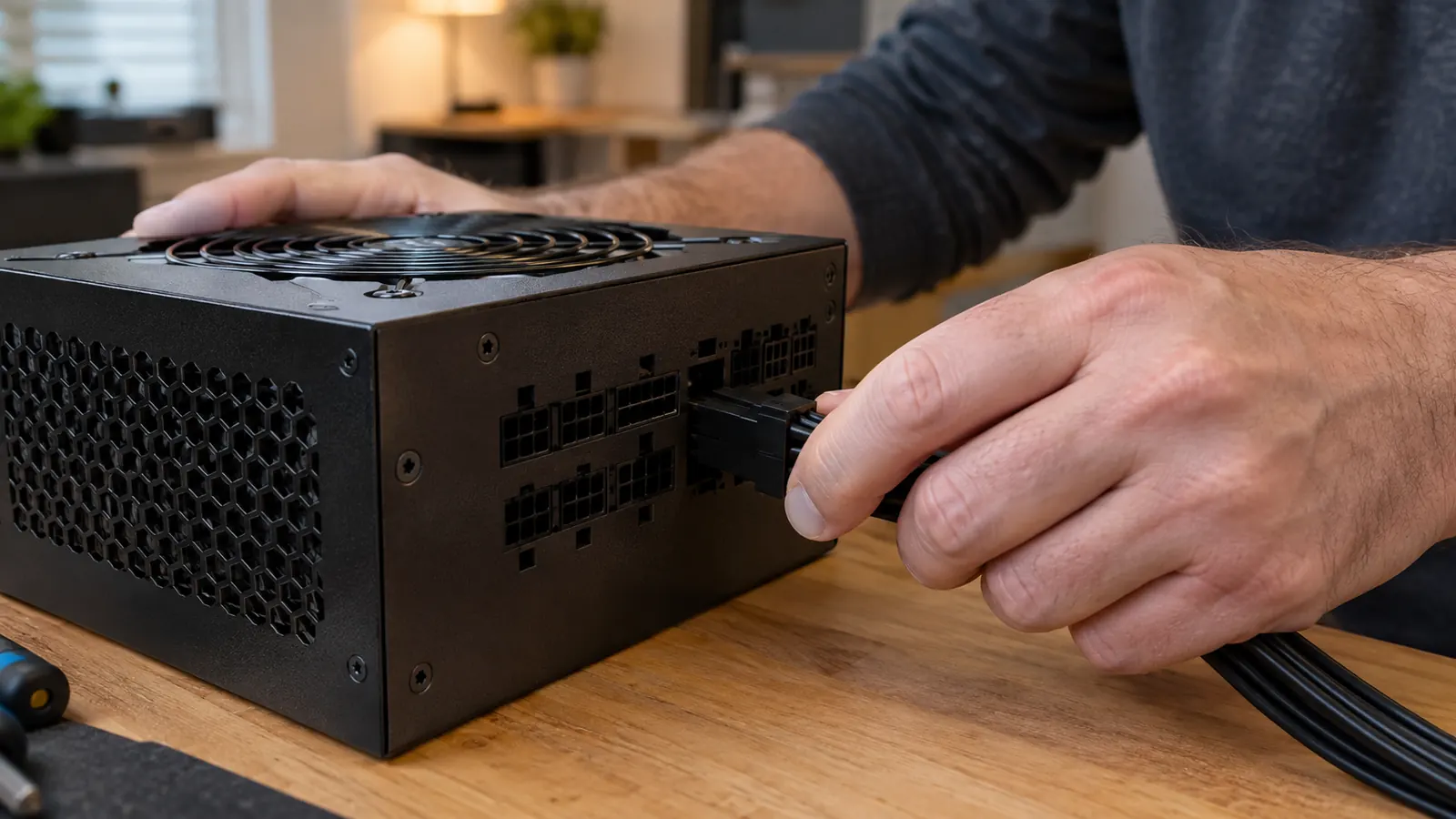
Before I go further, the honest part. A power supply is not exciting. Nobody posts a photo of one on its own. But it is the part every other component depends on, and a bad one can take a graphics card or a motherboard down with it. The Corsair RM750e is rated for 750 watts, which is plenty for my setup. My whole rig draws about 480 watts at the wall during a heavy session, so I am nowhere near the limit. It carries a Cybenetics Gold efficiency rating, which means less of that power comes back out as heat, and that matters in a spare bedroom in a Virginia summer.
The first thing I noticed was the cables. With a fully modular unit, I connected only the 24-pin motherboard cable, the CPU cable, and the PCIe cable for my graphics card. I left the SATA cables and the extra CPU cable in the box, which meant the drive cage area was empty for the first time in years. The result was a clean interior with real airflow instead of a bundle of spare wires. The second thing I noticed was the noise. The RM750e runs in a low-noise mode where the fan does not even spin until the unit is under a real load, so most evenings the PC is effectively silent. I had to put my hand near the back of the case to confirm it was running.
The first night after the swap, Owen asked if I had turned the PC off. It was on. It was just quiet.
The part that finally made my build feel finished
If your PC has random shutdowns, a noisy power supply, or a tangle of unused cables, the Corsair RM750e is the fix I reached for. Check today's price on Amazon and see if it fits your build.
Amazon Check Today's Price on Amazon →The swap itself took about forty minutes one Sunday morning before Owen's soccer practice, mostly because I took my time routing the cables behind the motherboard tray. I ran the 24-pin along the back edge, tucked the CPU cable over the top, and left only the PCIe cable visible near the graphics card. That is the other benefit of modular cables: you can run each one exactly where you want it instead of working around a stiff bundle. The Corsair RM750e also includes the 12V-2x6 cable for modern graphics cards, so if I upgrade my GPU in a year or two, I will not need to replace the power supply to do it.

I installed it that same week, and by early June I had run it through four months of evening gaming and weekend sessions with Owen. The random shutdowns are gone. The whine under load is gone. The interior of my case stays noticeably cooler because air can actually move through it. And when I opened the case in May to add a second drive, I did not have to untangle anything. I unplugged one SATA cable, added the drive, and plugged it back in.
There are trade-offs, and I want to be straight about them. The Corsair RM750e is not the cheapest 750-watt unit you can find, and if you are on a tight budget, a non-modular unit will still power your PC fine. It is also more power than a basic office machine needs. I compared it against two cheaper units before I bought it, and both had louder fans and non-modular cables. I decided the extra cost was worth not fighting a stiff bundle again. But for a gaming PC that you plan to keep for years, I think the modular design and the quiet operation are worth the difference.
One more thing I appreciate: the Corsair RM750e supports Modern Standby, so the PC wakes from sleep quickly and reliably. That sounds like a small detail until you have a machine that takes forever to wake up or refuses to sleep properly. My old unit would sometimes take a full minute to come back, and once a week it would just stay black until I held the power button. The RM750e wakes in a few seconds, every time. It is the kind of thing you only notice when it works the way it should.
What I'd Tell You If We Were Sitting at My Kitchen Table
If you were sitting at my kitchen table asking whether the Corsair RM750e is worth it, here is what I would say. If your current power supply is causing shutdowns, making noise, or forcing you to live with a mess of cables, this is the fix. If your PC is running fine and you never open the case, you do not need to rush out and buy one. And if you are building a new PC, buy a quality power supply first. It is the one part you will carry into your next build, and the Corsair RM750e is built to last that long.
Give your build the quiet, tidy power supply it deserves
The Corsair RM750e fixed my build, and it can fix yours. Check today's price on Amazon and see why this is the part I recommend to anyone building or upgrading a gaming PC.
Amazon Check Today's Price on Amazon →