
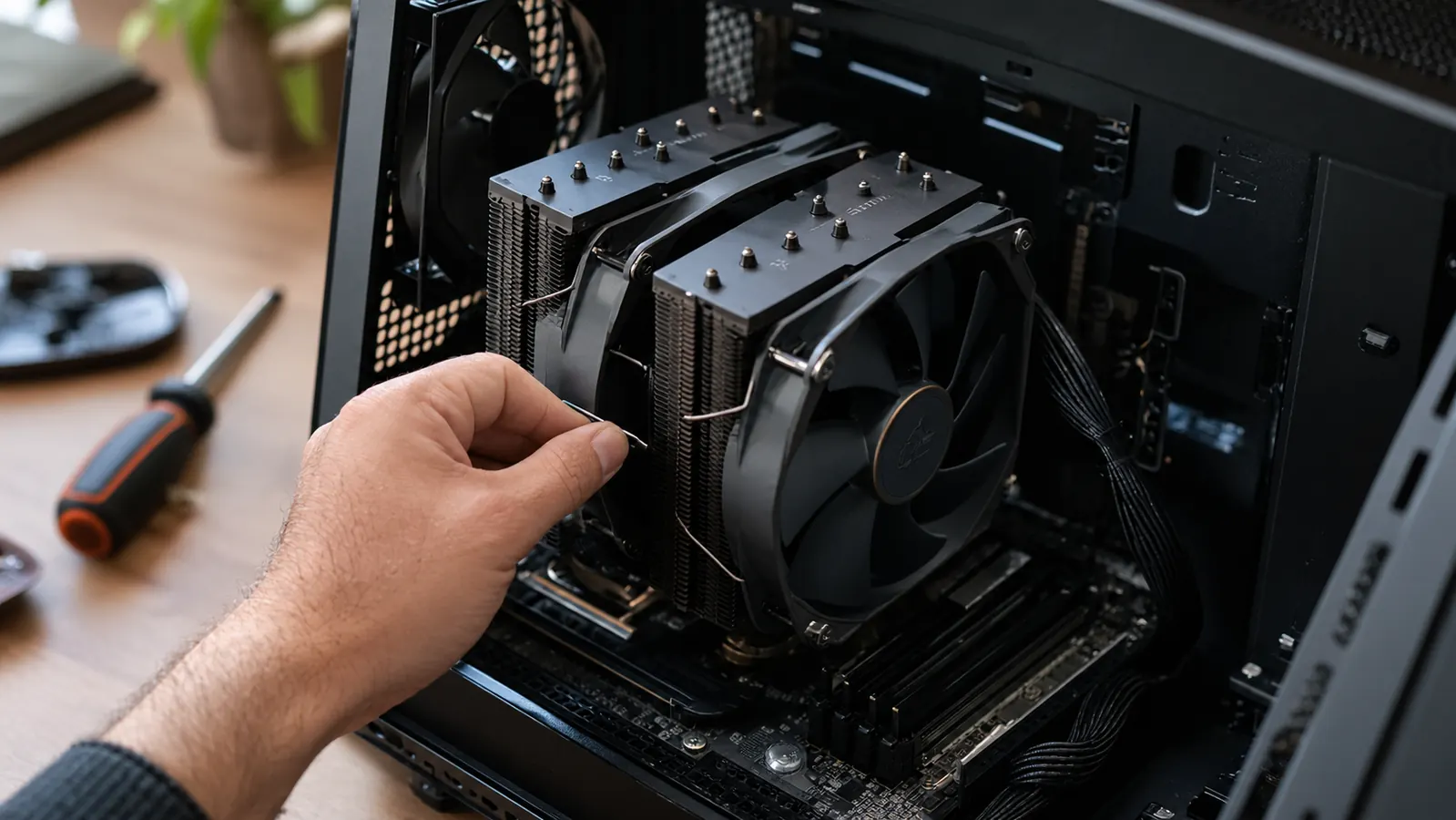
I have built and upgraded gaming PCs for about twenty years, and for most of that time I assumed liquid cooling was the grown-up choice. Then I put a Thermalright Peerless Assassin 120 SE into my own mid-tower, the one my son Owen and I use for evening and weekend sessions, and I started keeping a list of every way it made my life easier than the AIO I had before. This is that list.
The air cooler I keep recommending to friends
After a year of daily use, the Thermalright Peerless Assassin 120 SE is the cooler I suggest first when someone asks what to put on their gaming CPU. It cools like an AIO, costs less, and has almost nothing to fail.
Amazon Check Today's Price on Amazon →Nothing to leak, ever
A liquid cooler has a pump, tubing, fittings and fluid. An air cooler has metal and fans. That is the whole difference in reliability. A few years back, a friend of mine opened a brand new AIO and found the fitting on the pump loose enough to wobble with his finger. He tightened it and it worked, but he never fully trusted that cooler after that. I have read enough forum threads about slow leaks to know I do not want that inside my case. The Thermalright Peerless Assassin 120 SE is a hunk of aluminum, copper heat pipes and two fans. The worst case is a fan bearing wearing out, and a replacement fan costs less than dinner.
Amazon Check the Thermalright Peerless Assassin 120 SE on Amazon →
Quieter under load than most AIOs
The pump is the noise you notice on a liquid cooler. It is a constant whine that sits under everything else, and it gets worse as the pump ages. My old AIO developed a faint hum around month eight, and once I heard it I could not unhear it. A good air cooler has no pump at all. The two 120mm fans on the Thermalright spin up when the CPU works hard and settle down when it does not. In a quiet room, with a game running, I hear the case fans more than the cooler, and usually I hear Owen's keyboard more than either.
One less part to fail in the first year
AIO pumps are the part that dies. They are small, they run constantly, and they move fluid through a sealed loop. When one fails, your CPU heats up fast and your PC shuts down mid-game. The Thermalright Peerless Assassin 120 SE has no pump. The only moving parts are two standard 120mm fans, and if one dies, the other keeps the CPU cool enough to finish what you are doing.
Amazon Check the Thermalright Peerless Assassin 120 SE on Amazon →
Cools a hot gaming CPU without breaking a sweat
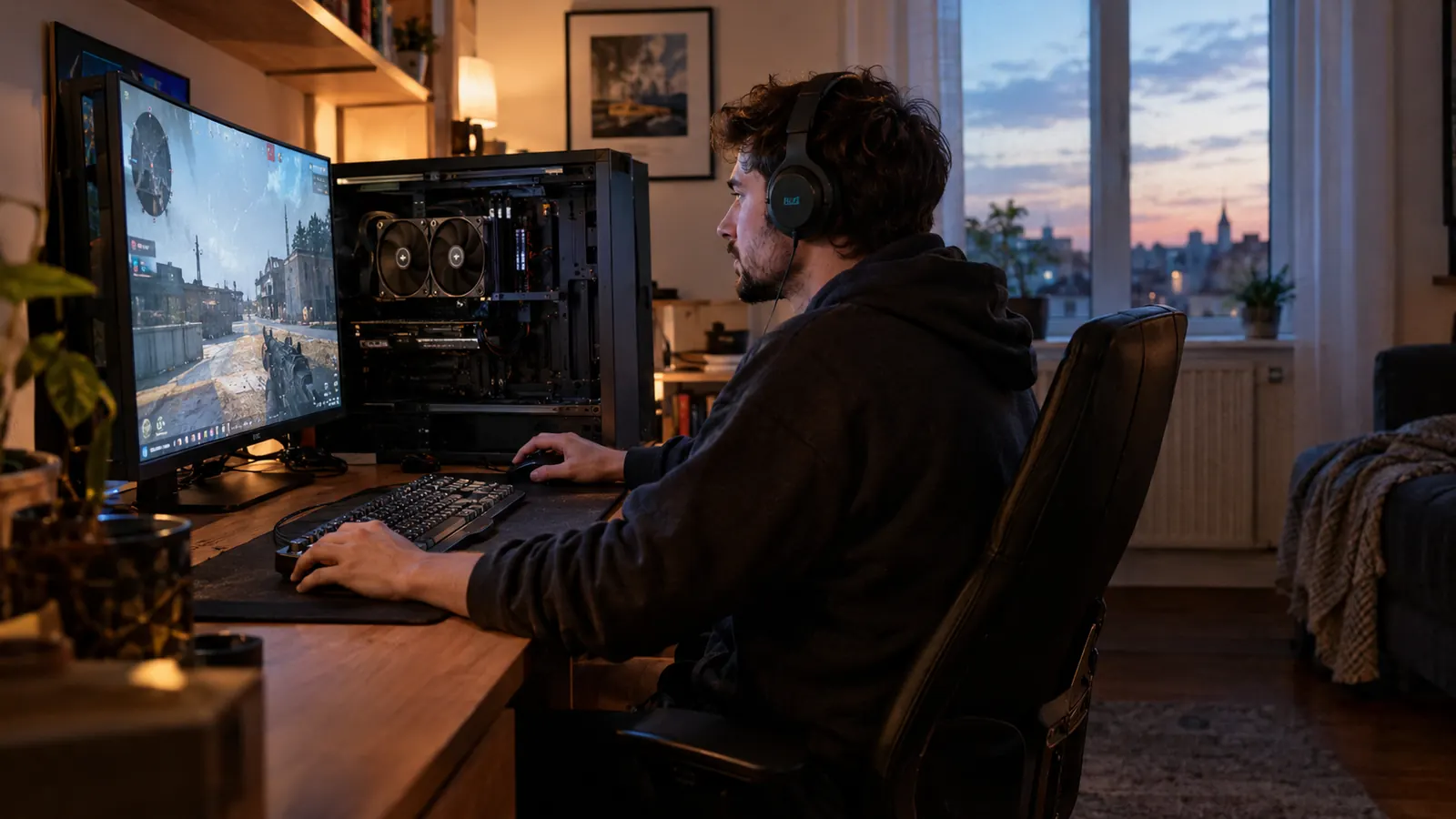
My son and I play on a mid-tower I built myself, and the CPU runs warm during long weekend sessions, especially on hot summer afternoons when the spare bedroom heats up. The Thermalright handles it with six heat pipes and two towers of fins. I have watched the temperature stay well within range while Owen plays for three hours straight, and I have seen it climb during a loading screen, then settle back down as the fans spin up. You do not need liquid to keep a modern gaming CPU cool. You need enough metal, enough airflow, and a cooler that is actually mounted properly. I learned that last part the hard way years ago, after remounting a cooler because I used too little thermal paste.
No radiator to mount, no tubes to route
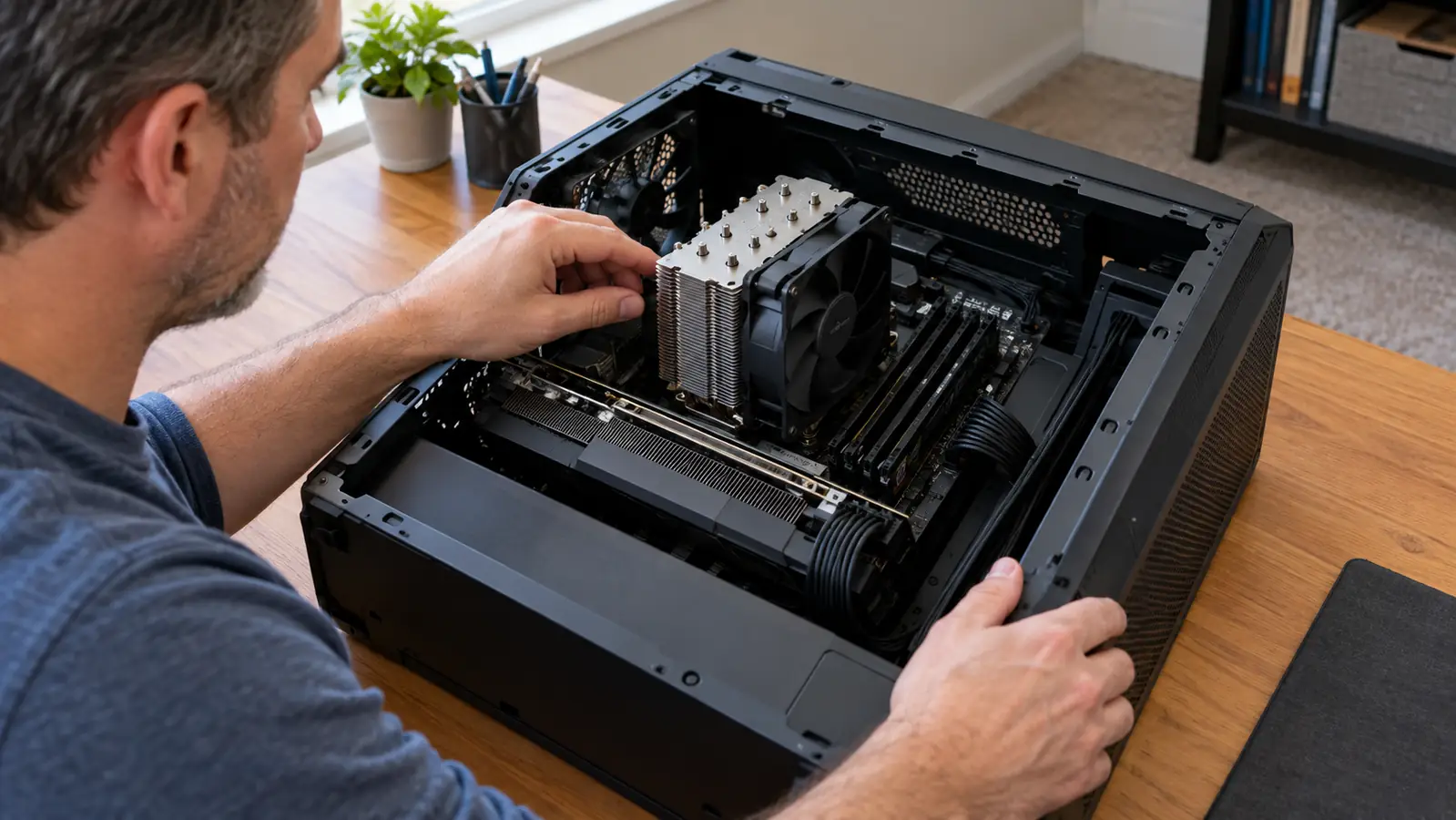
An AIO means deciding where the radiator goes, which way the tubes face, and whether they will rub against the RAM or the rear fan. The Thermalright Peerless Assassin 120 SE drops into the same spot a stock cooler would go. You mount the backplate, screw in the brackets, clip on the fans. I had it installed in about twenty minutes, and I did not have to take the whole build apart to route anything.
Amazon Check the Thermalright Peerless Assassin 120 SE on Amazon →
Fits cases an AIO will not fit
Radiators need space. A 240mm or 360mm AIO needs a spot in the case that is long enough, thick enough, and clear of the GPU. A tower cooler just needs height. My mid-tower has room for the Thermalright with the side panel on, and I have built in smaller cases where a radiator would have been a fight. If you are upgrading an existing PC, an air cooler is far more likely to fit what you already own.
Cheaper to buy, cheaper to replace
I am not going to quote numbers because prices move around, but the pattern does not: a decent AIO costs more than a decent air cooler, and a good air cooler like the Thermalright Peerless Assassin 120 SE costs a fraction of what a quality AIO runs. When the Thermalright eventually wears out, I will replace it with the same model and it will still be less than a single AIO pump replacement. That math is hard to argue with.
Amazon Check the Thermalright Peerless Assassin 120 SE on Amazon →
No software, no RGB hub, no extra cables
My desk is in a spare bedroom that doubles as my home office, so cable mess matters to me. My old AIO had a pump header, a SATA power cable, and a little fan controller box I ended up tucking behind the drive cage. The Thermalright uses the CPU fan header and one splitter for the second fan. That is it. Two fan cables, both near the top of the board, and the build stays tidy. When I open the side panel to dust it out, there is nothing to untangle and nothing to remember about how it was routed.
Easier to troubleshoot when something is wrong
When a PC overheats, the first question with an AIO is whether the pump is running. You cannot see it, and you cannot always hear it. With the Thermalright, you can see both fans spinning and you can feel the air moving. If the CPU runs hot, you check the fan curve, the mounting pressure, and the thermal paste. Three things, all visible, all fixable with basic tools.
Amazon Check the Thermalright Peerless Assassin 120 SE on Amazon →
Still cool after a year of daily use
The honest test is time. I have used the Thermalright Peerless Assassin 120 SE for about a year now, through summer evenings and long weekend sessions with Owen. I installed it on a Saturday morning in early spring, and since then I have not touched it except to blow the dust out of the fins. The fans are still quiet, the temperatures are still where they were on day one, and I have not thought about it once. That is the highest compliment I can give a PC part. It just works, and it keeps working.
What I'd Skip
I would skip an air cooler if you are building in a tiny case with no clearance above the CPU socket, or if you are chasing the absolute lowest temperature for overclocking records. A 360mm AIO will win a benchmark by a few degrees. For a gaming PC that runs for a few hours at a time, the Thermalright gets you 95 percent of the way there with none of the pump risk. I know which one I would trust with my own build.
After a year of daily use, the Thermalright Peerless Assassin 120 SE has not given me a single reason to think about it. That is the highest compliment I can give a PC part.
Still deciding? This is the one I'd buy again
I have used the Thermalright Peerless Assassin 120 SE for a year, and I would buy the same cooler again tomorrow. It cools my gaming CPU, stays quiet, and has nothing to leak or fail. Check today's price and see if it fits your build.
Amazon Check Today's Price on Amazon →