
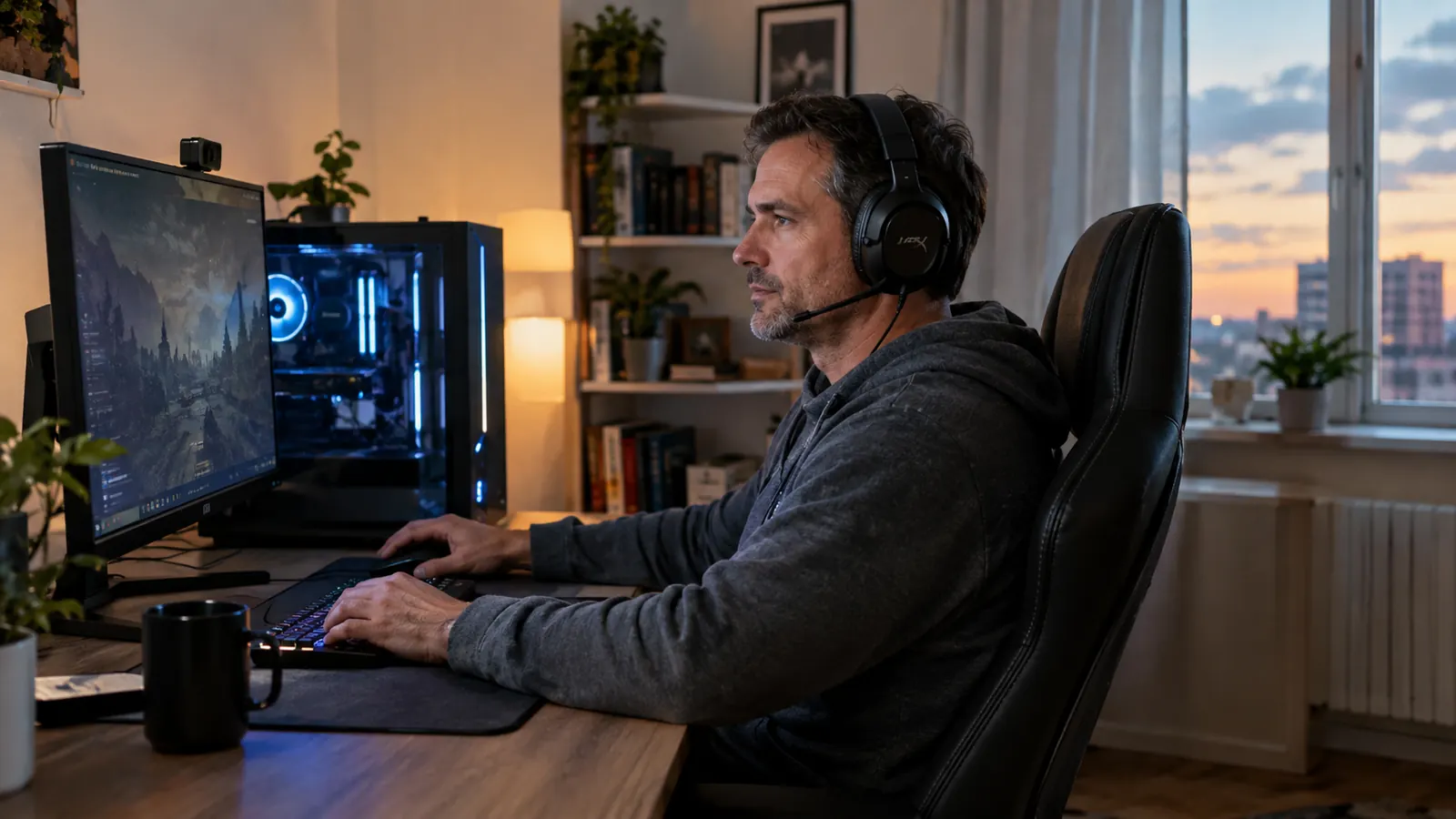
I've been building and upgrading gaming PCs for about twenty years, so I've owned more headsets than I can count. Cheap ones that cracked at the hinge. Wireless ones that died mid-match. Studio headphones that sounded great but had no mic. The HyperX Cloud II is none of those things, and that's exactly why it's the headset I keep coming back to. This is the honest review I wish I'd read before buying: what's genuinely good after a year of daily use, what annoys me, and who should buy something else entirely.
Quick context. I'm an IT support technician, I game most evenings after work, and my 15-year-old son takes over my main rig on weekends. My desk is a corner setup in a spare bedroom that doubles as my home office, so comfort and noise matter as much to me as sound quality. The Cloud II has lived on a hook next to my monitor for about a year now, through daily Discord calls, late-night sessions, and more cable yanks than I'd like to admit.
The Quick Verdict
A comfortable, durable wired headset that gets the fundamentals right. The 7.1 surround is the most overrated feature in gaming audio, the leatherette pads run warm, and the mic is good for teammates but not for streaming. If you want one headset that just works on every platform, this is still the safest pick I know.
Amazon Check Today's Price →Still the safest pick after a year of nightly use
I've owned the HyperX Cloud II for a year and I'd buy it again at today's price. Comfort, build quality, and a mic that just works.
Amazon Check Today's Price on Amazon →How I've Used It
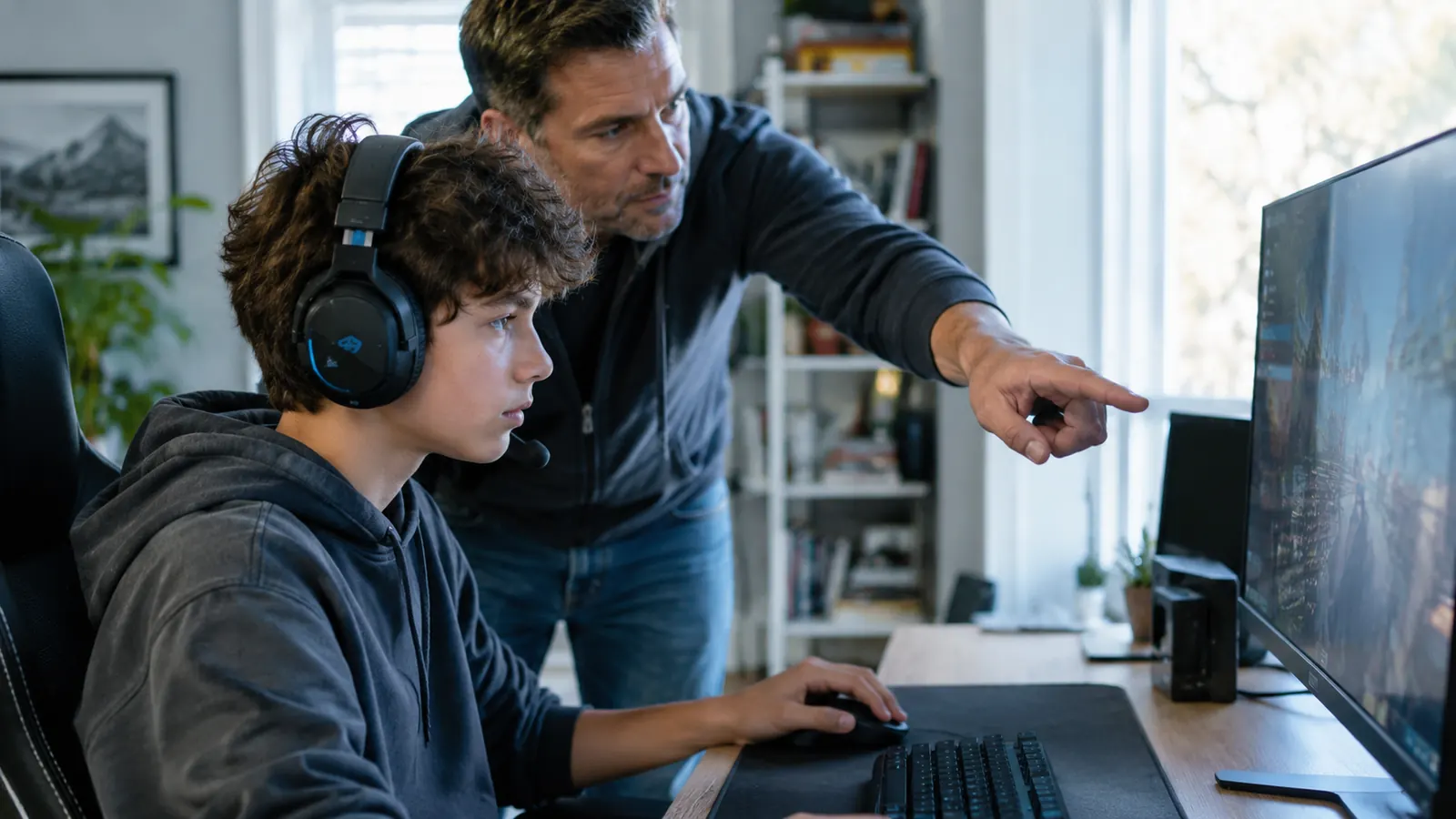
My main rig is a mid-tower I built myself and upgrade one part at a time, and the Cloud II gets plugged into it almost every night. I use it for the usual mix: Discord with friends, shooters, racing games, and the occasional evening of just watching videos with the volume turned down so I don't wake the house. On weekends, Owen takes the same seat and the same headset for his own sessions with his friends.
That sharing is the real test, honestly. Two people with different head sizes, different games, and different ideas about how carefully a cable should be handled. The Cloud II has survived a year of that without any cracks, any static, or any loose connections. The aluminum frame and the braided cable aren't marketing bullet points, they're the reason this headset still works like new.
I did not run frequency response graphs, and I didn't compare this against a wall of studio equipment. I used it the way most people actually use a gaming headset: in real games, with real voice chat, at real volume levels. If you want laboratory numbers, plenty of other reviews have them. This one is about what it's like to live with the headset, because that's the part that decides whether you keep it.
What Nobody Tells You About the 7.1 Surround
Here's the honest part. The Cloud II's headline feature is 7.1 virtual surround sound, and it's the feature I'd tell most people to turn off. The USB sound card does a fine job of creating a sense of space, and in some single-player games it adds real depth. But in competitive shooters, the virtual surround can actually blur the directional cues you need for footsteps and gunfire. A good stereo signal gives you cleaner information. I run mine in stereo for anything competitive and only switch the surround on for single-player games where atmosphere matters more than accuracy. That's the opposite of what the marketing wants you to believe, but it's what a year of use taught me.
The second thing nobody tells you is that the 7.1 only exists through the USB sound card. That little dongle in the box is what unlocks the surround, and it's also what makes the full package work on PC and PlayStation. Plug the headset into a controller or a phone with the plain 3.5mm cable and you get stereo, which is completely fine, but you lose the dongle features. Read the product page and you'd think surround is the main event. Live with it for a week and you'll realize stereo is what you actually want most of the time. That matters more than you'd think, because the dongle is also the easiest piece to misplace when you pack the headset for a trip.
One more small thing. The USB dongle shows up as its own audio device in Windows, so you have to set it as your default output. Every couple of months, a Windows update silently switches the default back to my monitor speakers, and I get about thirty seconds of confusion before I remember what happened. That's a Windows quirk more than a HyperX problem, but it's part of owning this headset, so I'd rather tell you now. There's also no mandatory software. The Cloud II is plug-and-play on PC, which I count as a quiet feature in a world where every peripheral wants its own app.
Comfort: The Reason People Keep This Headset for Years
The Cloud II's reputation rests on comfort, and it mostly earns it. The memory foam ear pads are genuinely plush, and the aluminum frame keeps the whole thing light enough that I can wear it for a three-hour session without feeling like my head is in a vise. The clamp pressure is moderate, which suits me, and I wear glasses without any real pressure points. That's rare in a gaming headset, and it's the first thing people mention when they try mine. The memory foam bounces back even after being squashed in a backpack on LAN day.
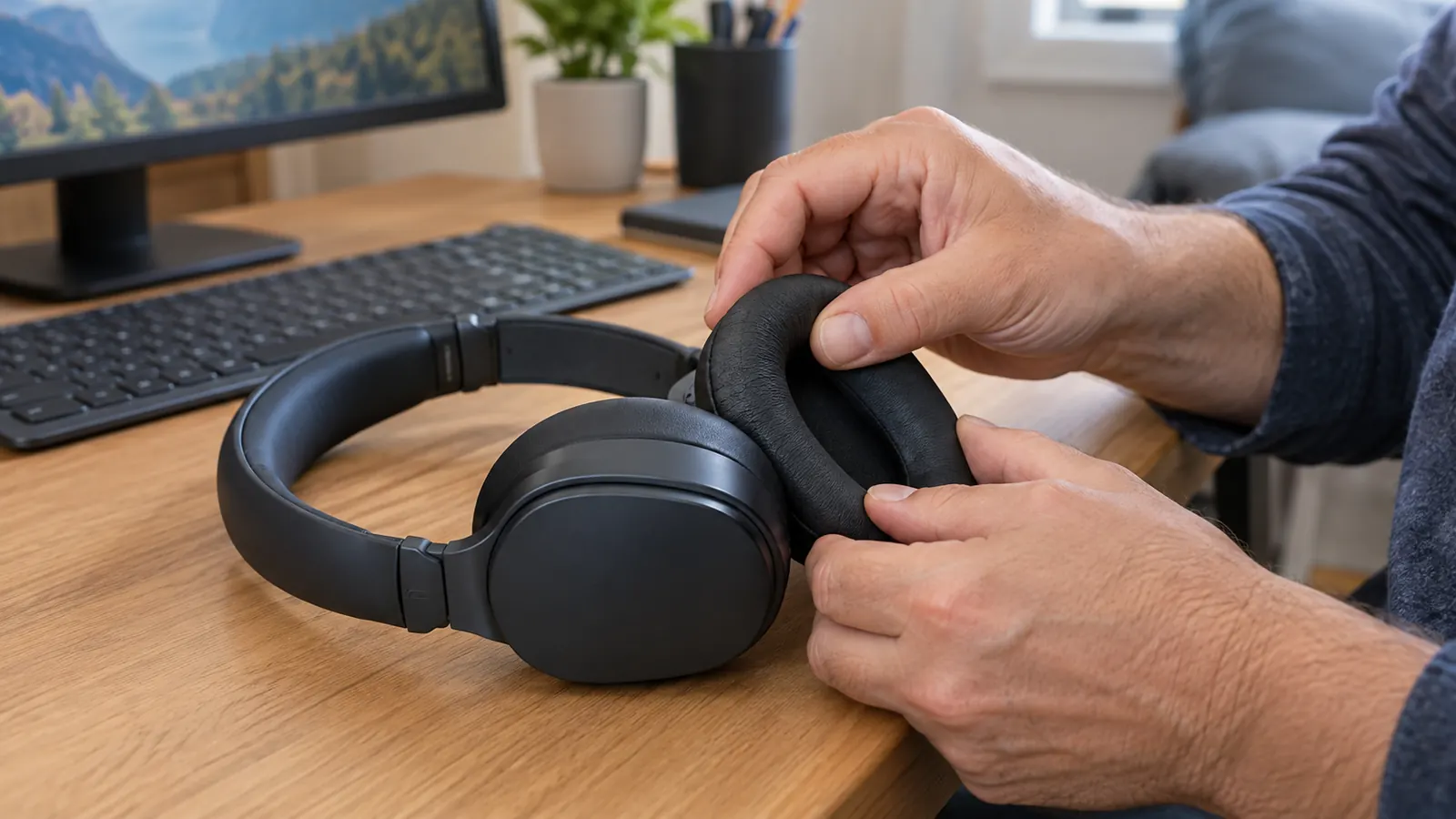
But here's what nobody tells you: the standard leatherette pads get warm. After an hour or two in summer, my ears are noticeably hot and I start wanting a break. The box includes a spare pair of velour pads, and swapping them takes about five minutes. It's the first thing I'd tell a new owner to do, because the velour version breathes better and the leatherette look isn't worth the heat. HyperX clearly knows this, since both pairs are in the box, but most reviews never mention it.
The other comfort note is the closed-back design. It isolates you from the room, which is great when the TV is on downstairs and I'm in a raid. But it also means I can't hear my wife calling me for dinner, and after a couple of hours my ears want air. An open-back headset would fix the warmth, but then you'd hear every noise in the house, including the TV, and you'd be back to square one. For most people, closed-back is the right call, just know that you're trading awareness for isolation. I mention this because it's the difference between a headset that lives on your desk and one that lives in a drawer.
The Mic and the Cable: Small Annoyances, Not Dealbreakers
The detachable mic is better than most headset mics, and that's the right bar to set. My teammates say I sound clear, and the noise-cancelling element does cut down keyboard clatter. But if you're thinking about streaming or recording a podcast, this isn't the mic for that. It's a teammates-can-understand-you mic, not a content-creation mic. Set that expectation and you won't be disappointed.
The cable is the thing that took me longest to get used to. The braided cable is long and tough, which is good, but it's also a little stiff, and the inline controls sit far enough down the cable that they catch on my desk edge when I lean back. I fixed it with a small cable clip on the underside of my desk. It's a cheap fix and it's not a reason to skip the headset, but it's exactly the kind of thing a week of use teaches you and a product page never does.
One more honest note: there's no sidetone, so you won't hear your own voice in the headphones. Some people never notice it. Others, especially people used to headsets with mic monitoring, find it odd for the first few sessions. It's a small adjustment, not a dealbreaker, but it's the kind of detail you only find out after you've already bought the thing. If you mostly play with friends on Discord, you'll forget about it within a week.
I've dropped this headset twice, yanked the cable hard enough to move my monitor, and it still sounds exactly like it did on day one.
Platform Notes and the Case for Wired
The Cloud II is advertised for PC, PS4, and Xbox One, and that's mostly accurate with one caveat. On PC you get everything: the 7.1 surround, the inline controls, the full package. On PlayStation, the USB sound card handles game audio and chat. On Xbox, you'll want the 3.5mm cable into the controller, because the USB dongle doesn't do chat the way the marketing suggests. It also works with the newer consoles through the same connections, which is a nice bonus if you upgrade later. It's a small wrinkle, but if you're buying this specifically for Xbox, it's worth knowing before you open the box.
Here's the case for wired, and it's the thing I appreciate more every month. No battery to charge, no dongle to lose, no wireless interference, and no low-battery beeps in the middle of a match. I've used wireless headsets that sounded fine until the battery hit twenty percent and the audio started stuttering. The Cloud II never does that. You plug it in and it works, every single time, for years. The cable is long enough to reach from my tower to my chair with slack to spare, which isn't true of every wired headset I've tried. That reliability is the real feature, and it's the one that doesn't show up on the box.
Sound quality is solid for gaming, with a caveat. The tuning is a little bass-heavy and warm, which makes games feel punchy and dramatic. It is not a neutral studio headset, and if you spend your evenings listening to cymbals and string quartets, you'll want a different pair of cans. For footsteps, voice chat, and explosions, it does the job without fatigue, and honestly that's the job it was built for. If you listen to music through it, you'll notice the tuning, but most games are mixed to flatter this kind of sound signature.
Build Quality: The Part You Only Appreciate Later
Most headset reviews focus on sound and comfort because those are the things you can judge in a week. Build quality is the thing you only understand after a year. I've dropped this headset twice. I've yanked the cable hard enough to move my monitor. I've packed it into a backpack for a LAN session and found it tangled with a keyboard. The aluminum frame has a few small scuffs now, and the headset still works exactly as well as it did on day one. The scuffs are on the metal, not on any plastic hinge, and that's the whole difference between this and the cheaper headsets I've broken.
The ear pads are replaceable, which matters more than most people realize. The spare velour pair in the box gives you a backup from day one, and when the pads eventually wear out, you can buy replacements instead of replacing the whole headset. That kind of repairability is rare in gaming peripherals, where the usual plan is to sell you a new headset every couple of years. The Cloud II is built the opposite way.
The only wear I can point to after a year is cosmetic. The leatherette on the headband shows some light creasing where it flexes, and the inline volume wheel feels a little looser than it did new. Neither affects how it sounds or how it fits. And if either pad set wears out, replacements are easy to find, which is more than I can say for most headsets at this price.
What I Liked
- Genuinely comfortable for multi-hour sessions, especially after swapping in the spare velour pads
- Aluminum frame and braided cable survive real life; mine has a year of drops and cable yanks behind it
- Works across PC, PlayStation, and Xbox with the right cable
- Detachable mic that sounds clear in Discord and party chat
- No battery, no wireless fuss, no latency, no dead-headset surprises
Where It Falls Short
- The 7.1 surround is the headline feature and the one most people should turn off
- Leatherette pads trap heat; plan to use the included velour pair
- No sidetone, so you won't hear your own voice
- Inline controls sit awkwardly on the cable and catch on desk edges
- Bass-heavy tuning isn't for music purists
Who This Is For
Buy the HyperX Cloud II if you want one headset that does everything without drama. It's for the person who games a few nights a week, talks to friends in Discord, and doesn't want to think about batteries, software, or settings. It's for parents buying a first real headset for a teenager, and for anyone who's tired of headsets that crack at the hinge or die after six months. If you want reliability and comfort in a package that works on everything you own, this is still the headset I'd point you to.
Who Should Skip It
Skip it if you need wireless, because no amount of cable management will make a cable disappear. Skip it if you're a competitive player chasing the absolute last word in positional audio, because a good pair of open-back headphones will give you more detail, though you'll need to add a separate mic. Skip it if you plan to stream or record, because the mic is for teammates, not audiences. And if you have a very large head, try it before you buy it, because the moderate clamp can feel snug at first. If any of those apply to you, buy the headset that fits your actual problem, not the one that tops every list. The Cloud II is excellent at what it does, but it's not the right answer for every person or every job.
The honest bottom line
The HyperX Cloud II isn't flashy, and its headline feature is the one I'd turn off first. But after a year of daily use, it's still the headset I'd buy again at today's price: comfortable, durable, and completely without drama.
Amazon Check Today's Price on Amazon →